
How to Use iPhone Handoff: Easy, Useful, Costs $5 Extra
iPhone Handoff puts one number on two iPhones in iOS 27, but only T-Mobile and Deutsche Telekom support it. See costs, steps, limits and who should wait.

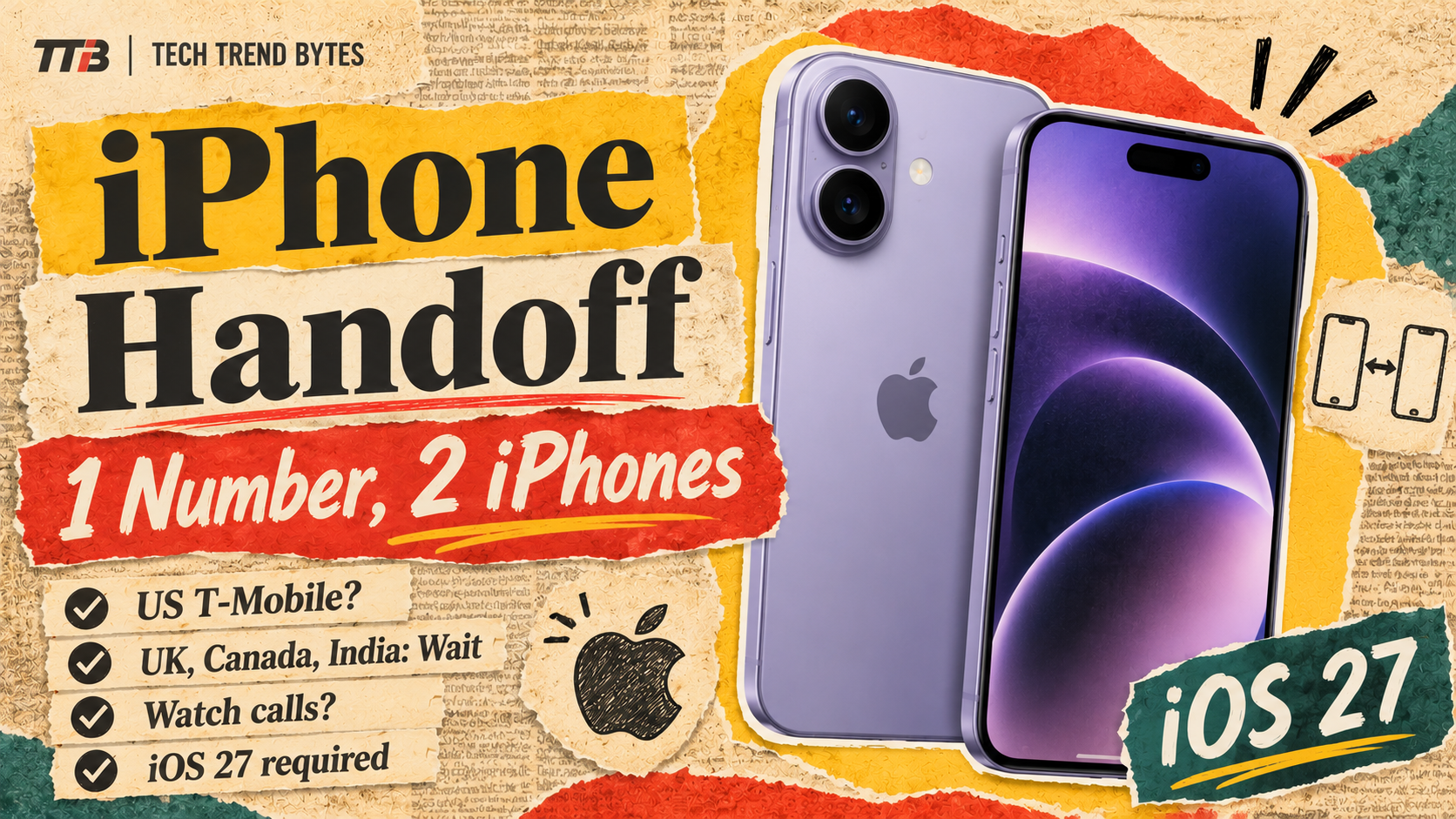
iPhone Handoff, the iOS 27 feature that puts one phone number on two iPhones, is live, but only a few carriers support it. On November 20, 9to5Mac highlighted the feature again and noted that carrier support is still limited.
That matters if you own an iPhone Duo or plan to keep your old iPhone as a second phone. It also matters if you want a work or travel iPhone without paying for a second number.
Here is how iPhone Handoff works, what it costs, which carriers have it and whether you should bother.
The Short Version
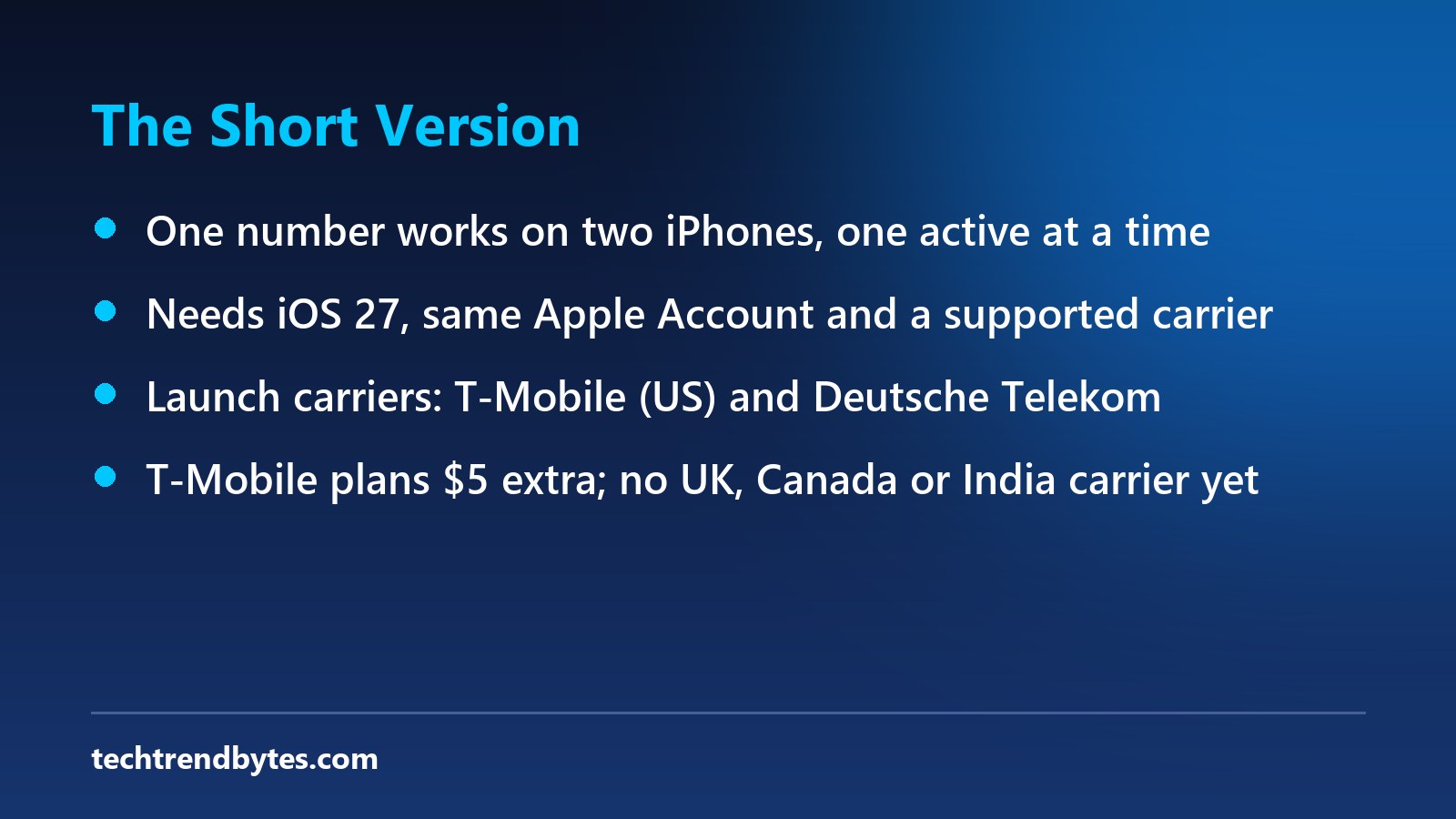
- What it does: One phone number is available on two iPhones, but active on only one at a time.
- What you need: Two iPhones on iOS 27 or later, the same Apple Account and a supported carrier.
- Who has it: Apple’s launch carriers were T-Mobile in the US and Deutsche Telekom in Germany.
- Cost: T-Mobile plans to charge $5. Deutsche Telekom lists 6.95 euros a month.
- UK, Canada, India: No carrier in these countries has been named so far.
What Is iPhone Handoff, and How Does It Work?
iPhone Handoff lets two iPhones share one number. One iPhone is the “main” iPhone. The other is the “secondary” iPhone, according to Apple’s support page, as quoted by 9to5Mac.
The number follows your unlock. When you unlock one iPhone, the number becomes active there. You see a “Switched to this iPhone” message.
So this is not a way to run two phones at once. The number lives on one iPhone at a time.
Digital Trends described the second phone as getting a companion eSIM tied to the main one. That report came before launch, so treat the detail as unconfirmed.
Which Carriers Support iPhone Handoff?
Very few. MacRumors reported in September that Apple would offer iPhone Handoff only on T-Mobile in the US and Deutsche Telekom in Germany at launch.
On November 20, 9to5Mac said carrier support is still limited. It added that Apple plans to expand the feature to more carriers soon. No new carriers were named in the text we read.
Here is where that leaves each market:
Market | Carrier support named so far |
|---|---|
United States | T-Mobile |
Germany | Deutsche Telekom |
United Kingdom | None named |
Canada | None named |
India | None named |
Verizon and AT&T were not named either. If your carrier is not on Apple’s list, the feature will not work for you yet. Apple’s iPhone Handoff support page holds the current list.
What Does iPhone Handoff Cost?
It is not free. Apple says carriers will charge fees to set it up.
T-Mobile plans to charge $5, according to MacRumors. Android Authority reports that this is $5 extra per month. MacRumors lists Deutsche Telekom’s added multi-SIM cost at 6.95 euros a month.
However, nobody else has announced pricing. So there is no UK pound, Canadian dollar or rupee price to quote today.
What Do You Need to Use iPhone Handoff?
According to MacRumors, you need all of the following:
- Two iPhones running iOS 27 or later.
- Both iPhones on Wi-Fi.
- The same Apple Account on both iPhones.
- FaceTime, iMessage and Messages in iCloud turned on.
- A carrier that supports iPhone Handoff.
Dual SIM users need extra care. It works only if both eSIMs come from carriers that support it. You set up each eSIM separately, and both switch together when you unlock.
How Do You Set Up iPhone Handoff?
You can turn it on during setup of a new iPhone. In that flow you can make your current iPhone the secondary one. You can also enable it later in the Settings app, according to MacRumors.
Choose your main iPhone carefully. Apple says the main one should be the iPhone you use most. That is because some carrier controls live only there.
For exact menu steps, follow Apple’s support page. Menus can change between iOS 27 updates, such as the iOS 27.2 update we covered earlier.
What Are the Limits of iPhone Handoff?
The limits are real, so read them before you pay.
- One active phone: The number is on one iPhone at a time.
- Carrier tools: Call Forwarding, Caller ID and account management can only be changed on the main iPhone.
- Apple Watch: It does not switch between iPhones with this feature.
- Wallet: Payment cards and car keys can work on both iPhones. Some items, such as transit passes, IDs and badges, may work on only one.
- Turning it off: Once set up, it stays on until you contact your carrier.
For example, if you rely on an Apple Watch for calls, this feature will not follow you. That is a big gap for some people.
Is iPhone Handoff Worth It for iPhone Duo Owners?
It depends on how you carry your phones. The new iPhone Duo is a high-priced device, and many owners will keep an older iPhone around. iPhone Handoff turns that spare into a real second phone with your number.
It also suits travellers and people with a separate work iPhone. You unlock the phone you want, and calls and texts follow.
However, there is a catch. You pay your carrier, and only supported carriers qualify. Outside the US and Germany, most readers cannot use it yet.
Should You Use iPhone Handoff? Buy, Wait or Skip
- Use it now: T-Mobile customers in the US with two iOS 27 iPhones, who will use both phones often.
- Wait: Customers in the UK, Canada and India. No carrier has been named for you yet. Keep an eye on Apple’s list.
- Skip: People who rely on Apple Watch calling or on strict one-phone Wallet items like transit passes.
If you plan to buy a new iPhone soon, check carrier support before you decide. Our iPhone 18 release date guide covers when the next models may arrive.
What to Watch Next
Apple says more carriers are coming, but it has not named them. When that list grows, we will update this post. Pricing outside T-Mobile and Deutsche Telekom is the other open question.
Meanwhile, if you want more iOS 27 news, see our look at the iOS 27.3 Health app features.
Conclusion
iPhone Handoff is a smart, simple idea with a narrow launch. It works well on paper, but carrier support and a monthly fee decide whether you can use it.
Would you pay $5 extra to share one number across two iPhones? Tell us in the comments, along with your carrier and country.
Read next

iPhone 17 Price in India Jumped Rs 17,000: The Painful Truth You Need to Know Right Now
The iPhone 17 price in India jumped Rs 17,000 to Rs 99,900 after four years frozen at Rs 79,900. Here is who should buy, wait or skip.
iOS 27.3 Health App: The Best New Features Are Here
The iOS 27.3 Health app is back in beta 1 with Insights, Longevity and Health Age. See what is new, which iPhones are likely and the India status.
Is the iPhone 17 Pro Max Really Rs 66,990 Now?
iPhone 17 Pro Max at Rs 66,990 needs Rs 65,000 in trade-in credit. Without an old phone you pay about Rs 1,31,990. See the real maths and our verdict.