
Is the New iOS 27.2 Update Safe? 163 Security Fixes
The iOS 27.2 update is out with 163 security fixes for iPhone 11 and later. See what's new in India, the Siri Hindi catch and how to install it safely.

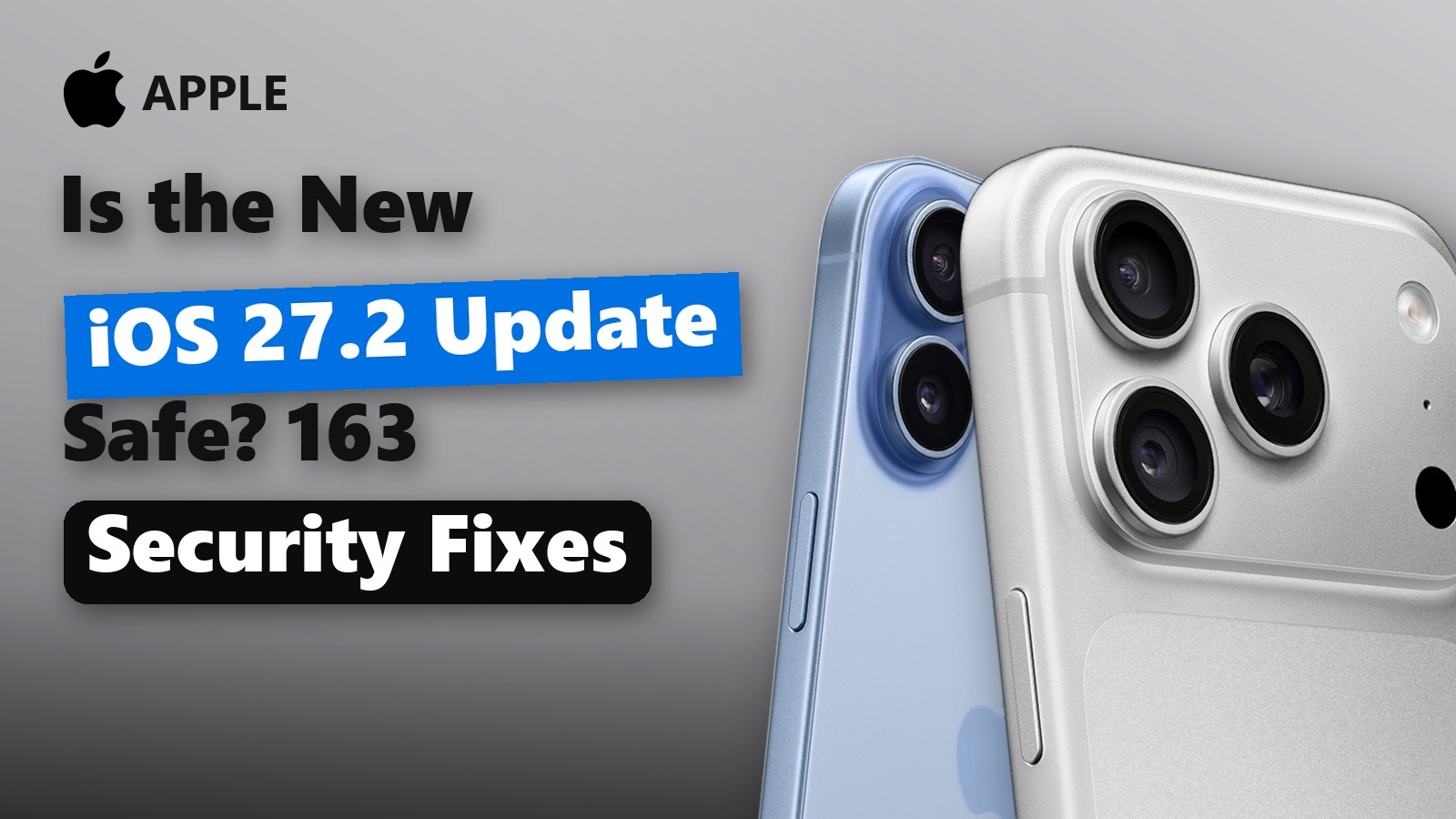
The iOS 27.2 update is now rolling out to iPhones, and its biggest job is security. Apple released it on 26 October, and its security notes list 163 fixes across Safari, WebKit, the kernel, Mail and Apple Intelligence.
That matters to every Indian iPhone owner, from an iPhone 11 to an iPhone 18 Pro. However, the headline features do not all reach India in the same way. Some need a newer iPhone, and the Siri upgrade still skips Hindi.
So here is what is new, whether it is safe to install, which iPhones get what, and a clear install-now or wait verdict.
The Short Version
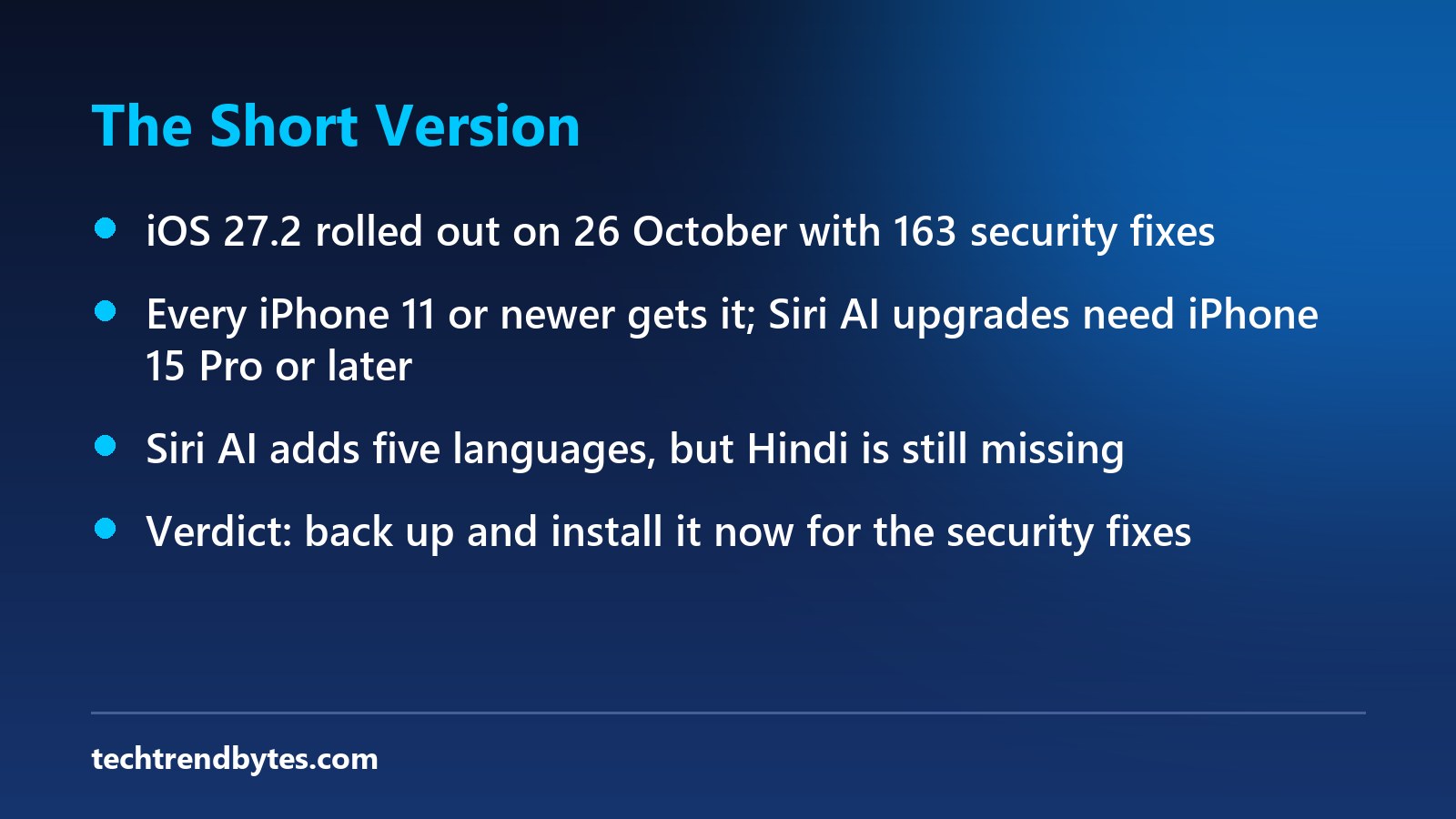
- What it is: iOS 27.2 is the second big update to iOS 27, released on 26 October 2026.
- Security: Apple lists 163 security fixes. None is marked as actively exploited.
- Who gets it: Every iPhone that runs iOS 27, which means iPhone 11 and later, plus iPhone SE (2nd generation) and later.
- Big new features: Siri AI in five new languages, Siri memory, Group FaceTime Dual Capture, Messages Suggestions and a new Apple Music look.
- India catch: Hindi is not one of the new Siri AI languages, and the new selfie age check is not listed for India.
What Is New in the iOS 27.2 Update?
Apple packed a lot into this release. According to 9to5Mac’s full feature rundown, the changes touch Siri, FaceTime, Messages, Music, Podcasts, Photos and the TV app.
Siri AI gets memory and new languages
Siri AI now works in French, Japanese, Korean, Portuguese and Spanish. It can also remember past chats. For example, it can recall restaurants it suggested earlier.
Siri can now pull context from photos in Messages, Calendar attendees, voicemails and your Safari history. Because that is a lot of personal data, Apple added an “Excluded Apps” setting. It lets you choose which apps Siri, Search and suggestions can see. You can also select and copy just part of a Siri answer.
FaceTime, Messages and Music
- Group FaceTime Dual Capture: Your front and rear cameras can run at the same time in group calls. This needs an iPhone 17 or later, and everyone on the call must be on iOS 27.
- Interpreters on calls: You can add a third-party sign language interpreter or live captioner to a FaceTime call.
- Messages Suggestions: These are back. They add shortcut buttons that turn a message into a Calendar event or a Reminder.
- Apple Music: It gets a new icon, and the red accents inside the app turn blue.
- Podcasts and CarPlay: New “New Episodes” and “Continue Playing” rows appear, including in CarPlay.
Smaller changes worth knowing
Photos and Image Playground now support SynthID watermarks, which help flag images made or edited with AI tools. Shared Albums let you edit captions and comments, and they remind you before an album expires. iPhone Duo owners get Apple Pencil (USB-C) support and an “Edge Light” ring light for calls.
That is the fun part. Next, the part that actually protects your phone.
Is the iOS 27.2 Update Safe to Install?
Yes. In fact, the security fixes are the main reason to install it soon.
Apple’s official security notes for iOS 27.2 list 163 fixed flaws by our count. GSMArena also reports more than 160 fixes. About 30 of them are in WebKit, the engine behind Safari and many in-app browsers.
Some of those WebKit bugs could let a malicious web page run code on your phone. Others in the kernel, image and font parsers could crash apps or leak memory. A few privacy bugs could expose personal data or bypass privacy settings.
The good news: Apple does not mark any of these as actively exploited. That means there is no known attack in the wild right now. However, once fixes are public, attackers study them. So waiting weeks is a bad idea.
As for stability, we found no widespread reports of iOS 27.2-specific bugs as of 28 October. We will update this post if that changes.
Which iPhones Get the iOS 27.2 Update?
Every iPhone that supports iOS 27 gets the iOS 27.2 update. However, the best features need newer hardware. Here is the split.
Feature | Which iPhones get it |
|---|---|
163 security fixes | iPhone 11 and later, iPhone SE (2nd gen) and later |
Messages Suggestions, Music redesign, Podcasts rows | All iOS 27 iPhones |
Siri AI upgrades (memory, new languages) | iPhone 15 Pro and later (Apple Intelligence phones) |
Group FaceTime Dual Capture | iPhone 17 and later only |
Apple Pencil (USB-C) and Edge Light | iPhone Duo only |
So an iPhone 13 or iPhone 14 owner gets the security fixes and the app tweaks, but not the new Siri AI tricks. Apple Intelligence still starts with the iPhone 15 Pro.
If you are wondering what Apple’s newest phones add on top, our guide to what’s new in the iPhone 18 Pro, Pro Max and Duo breaks it down with India prices.
What the iOS 27.2 Update Means for Indian Users
Here is where the iOS 27.2 update looks different from India.
Still no Hindi for Siri AI
The five new Siri AI languages are French, Japanese, Korean, Portuguese and Spanish. Hindi is not on the list. So Indian users still talk to Siri AI in English. That is a real gap for a market where Apple is growing fast.
The selfie age check is not for India
iOS 27.2 adds a selfie-based age check. You turn your head while the phone estimates your age, and Apple says the selfie is deleted afterwards. According to 9to5Mac’s report on the age check, it applies in Australia, Brazil, Singapore, South Korea, the UK and Texas. India is not listed, so most Indian users will not see it.
TV app Multiview may not matter here
The TV app can now show up to four live sports streams at once, such as MLS, F1 and MLB. However, which of these streams you can watch depends on local rights. So treat this as a bonus, not a reason to update.
Now, the simple part: getting it on your phone.
How to Install the iOS 27.2 Update
Installing takes a few minutes, plus the restart. Follow these steps.
- Back up first. Go to Settings > [your name] > iCloud > iCloud Backup and tap Back Up Now.
- Charge up. Keep at least 50% battery, or plug in the charger.
- Connect to Wi-Fi. A stable home Wi-Fi connection is safer than mobile data for a big download.
- Open Software Update. Go to Settings > General > Software Update.
- Tap Update Now. Enter your passcode and leave the phone alone until it restarts.
- Turn on automatic updates. In the same menu, open Automatic Updates and switch the options on, so future security fixes install by themselves.
If the update does not show yet, wait a few hours and check again. Apple rolls updates out in stages.
iOS 27.2 Battery Drain: What to Expect
Many users complained about battery drain after the original iOS 27 release. That was mostly background indexing, which can heat the phone for the first few days.
You may see a shorter version of this after iOS 27.2. So give it two or three days before you judge battery life. If drain lasts longer, check Settings > Battery to find the app at fault.
If your iPhone is also showing its age, our look at whether the iPhone Air is still worth buying a year later may help you plan your next phone.
Should You Install the iOS 27.2 Update Now?
Here is our verdict, by type of user.
- Most iPhone users: install now. The 163 security fixes alone make it worth it, and we see no major 27.2 bug reports.
- iPhone 15 Pro and newer: install now. You get the Siri memory upgrade and the Excluded Apps privacy control as well.
- Work phones or banking-heavy users: install within a day or two. Back up first, then update when you can spare the restart.
- iPhone Duo owners: install, then watch. You get Pencil support. However, if your screen is acting up, read our iPhone Duo screen crack guide before you book a repair.
- Skip it? Only if your iPhone is older than the iPhone 11, because it cannot get iOS 27 at all.
Bottom Line
The iOS 27.2 update is a security update first and a feature drop second. For Indian users, the missing Hindi in Siri AI is the one real letdown. Still, 163 fixes are reason enough to tap Update Now today.
We are watching for any iOS 27.2 bug reports and will update this post if Apple pushes a fix.
Have you installed iOS 27.2 yet, and have you noticed any change in battery life? Tell us your iPhone model in the comments.
Read next
iPhone Duo Screen Crack Warning: 4 Things to Do Now
iPhone Duo screen crack reports are spreading days after launch. See what is confirmed, the Rs 1,49,900 India repair cost and 4 steps to take now.

iPhone Duo Price and First Reviews: Stunning at 7.6 Inches, With One Big Warning
iPhone Duo price, specs and what the first reviews say: a stunning 7.6-inch screen, no telephoto lens and 254g. Who should buy, wait or skip.

iPhone Duo Costs Rs 1.2 Lakh More Than the Galaxy Z Fold 8: What You Need to Know Now
iPhone Duo vs Galaxy Z Fold 8 in India, with a Rs 1.2 lakh gap. We compare price, weight, cameras and battery, then say who should buy which foldable.