
Will You Install One UI 9.5 Now? Painful Risk
Want to install One UI 9.5 on your Galaxy S26 in India? The beta is live. Get the steps, new features, the risks and how to roll back safely.

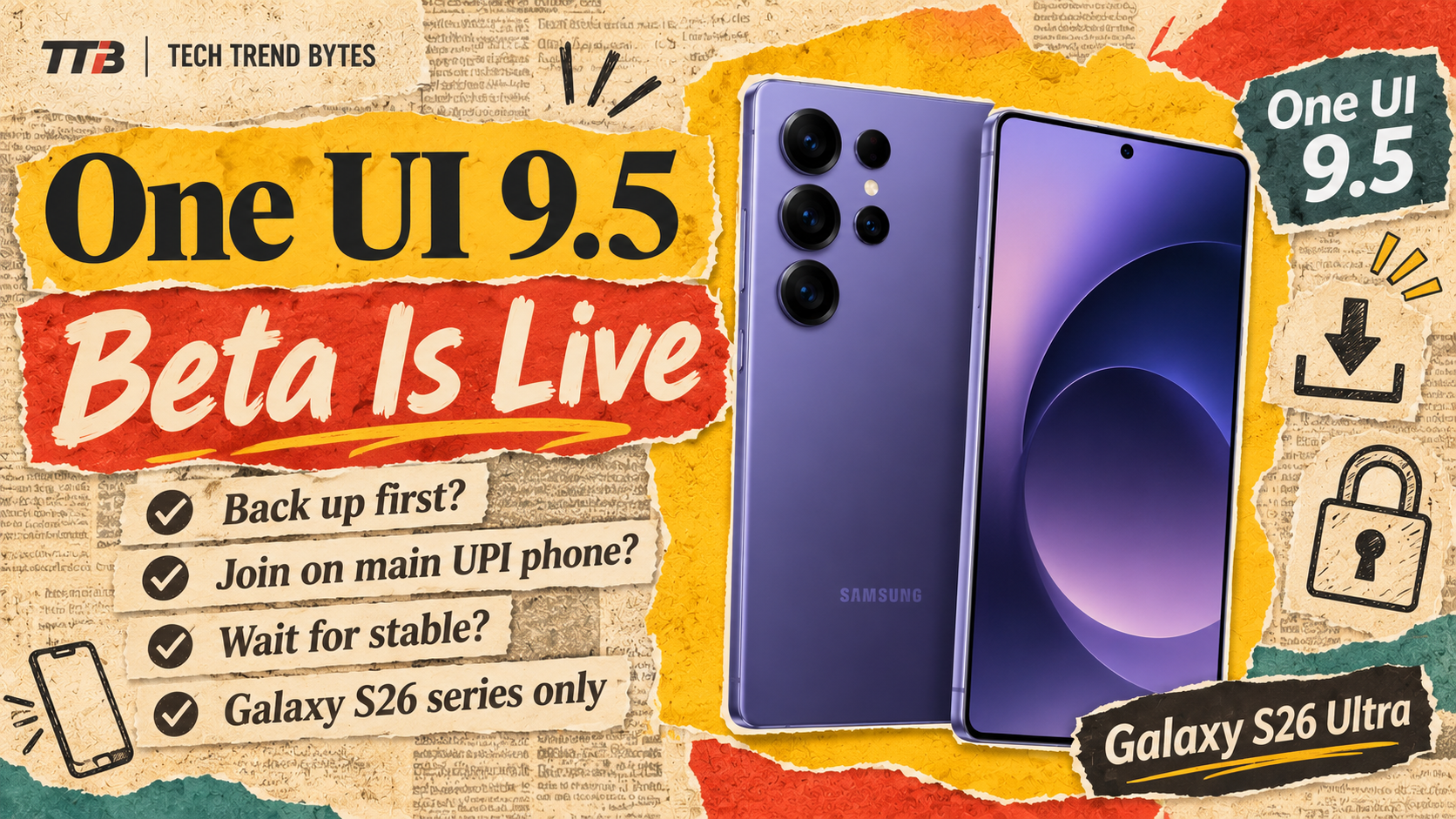
You can now install One UI 9.5 on your Galaxy S26 in India. Samsung opened the new beta on 18 November 2026, and India is in the first group of countries.
That matters if you own a Galaxy S26, S26+ or S26 Ultra. You get App Lock, better camera controls and new health tools months before everyone else. However, you also take on real risk, so this guide gives the steps, the features and the way back.
The Short Version
- Who can join: Galaxy S26, S26+ and S26 Ultra owners only. The Galaxy Z Fold 8 series is not included.
- Where: India, Germany, South Korea, Poland, the UK and the US.
- How: Join the One UI 9.5 beta in the Samsung Members app, then check for the update.
- Biggest catch: Rolling back may force a factory reset, so back up first.
- Stable release: Not confirmed. Reports point to early 2027, around the Galaxy S27 launch.
Can You Install One UI 9.5 on Your Galaxy S26 in India?
Yes, if you own one of three phones. The beta covers the Galaxy S26, S26+ and S26 Ultra. 9to5Google’s report lists India among the six launch countries.
There is one more catch. This is a new beta program. People who tested One UI 9 do not carry over, so you must sign up again.
Samsung also releases beta slots in waves. If you do not see the option yet, try again in a few hours.
How Do You Install One UI 9.5 Step by Step?
The process is short. According to Android Authority’s install guide, follow these steps:
- Open Samsung Members and sign in.
- Scroll down and tap Beta Program.
- Tap One UI 9.5 S26 Beta, then tap Join and accept the terms.
- Go to Settings > Software update and tap Check for updates.
- Make sure the phone has at least 30% battery.
- Download and install the update.
The download is large. Reports put the first build at about 3.5GB to 3.6GB, so use Wi-Fi. It also carries the November 2026 security patch.
What Should You Do Before You Install One UI 9.5?
Back up first. Samsung warns that beta updates “can cause unexpected issues,” so treat your phone like a test device for a while.
Use Smart Switch on a PC or Mac for a full backup:
- Install Smart Switch on your computer.
- Connect the S26 with a USB-C cable.
- Tap Connect on the phone.
- Choose Backup, pick your data and click Backup.
Also keep a second phone for banking and UPI if you can. That way, a bug will not block an urgent payment.
What Is New in One UI 9.5?
The update adds many small upgrades, not one big redesign. These are the changes most Indian users will notice, based on Digit’s India report and 9to5Google.
Privacy and security
- App Lock: Lock single apps with your screen lock or fingerprint. It also hides their notification and widget content.
- Biometrics: Fingerprint and face recognition can work together.
Camera and lock screen
- Pro and Pro Video modes: You get custom presets, reorganised quick controls and a better histogram and audio meter.
- Lock screen: The wallpaper reacts when you tilt the phone, and you can adjust clock-with-seconds timeouts.
Everyday tools
- My Files: It opens DOCX and PPTX files without Microsoft Office.
- Samsung DeX: Windows snap to all four corners, with auto-split for two to four windows.
- Samsung Health: You get meal photo logging, Mindful Note and medication tracking.
- Accessibility: A floating shortcut and hearing aid volume control sit in the notification panel.
What Do You Lose When You Install One UI 9.5?
Two features disappear. SamMobile reports that Samsung confirmed Audio brief and Moments are “no longer supported” in Now Brief.
Audio brief read your daily summary aloud. Moments showed highlights such as your best photos. So if you use either one, think twice.
The Privacy Display’s automatic turn-on for secure features also stays limited to the Ultra model.
Is It Safe to Install One UI 9.5 Beta? Compare Your Options
It depends on how much you rely on your phone. Here is a quick comparison.
Option | Who it suits | Main risk |
|---|---|---|
Join the beta now | Enthusiasts with a backup phone | Bugs and battery issues |
Wait for a later beta | Careful users | Missing early features |
Wait for stable | Most people | Waiting until early 2027 |
For comparison, our guide to the One UI 9 battery drain fix shows how a major update can hurt battery life. Expect similar teething trouble here.
How Do You Roll Back After You Install One UI 9.5?
You can go back to One UI 9, but it is not painless. Android Authority lists these steps:
- In Samsung Members, open Beta Program and tap One UI 9.5 S26 Beta.
- Use the three-dot menu to leave the beta, tap Next, pick a reason and tap Submit.
- Open Smart Switch on your PC or Mac and connect the phone by USB.
- Click Downgrade, then Continue.
- Keep the phone connected until it finishes.
The main risk is a factory reset. That is why the backup step matters so much. The guide does not cover Samsung Pay or storage needs, so check Samsung’s notes if those matter to you.
Should You Install One UI 9.5 Now? Our Verdict
Here is our advice by buyer type.
- Power users with a spare phone: Join. You get App Lock and the camera tools early, and you help Samsung find bugs.
- S26 Ultra owners who use one phone for everything: Wait. A bad update at the wrong time costs more than early features.
- Most S26 and S26+ owners: Wait for stable or a later beta build.
- Everyone else: Stay put. The beta does not support other Galaxy phones.
Stable timing is not official. Digit expects January or February 2027, after the Galaxy S27 launch, but that is an expectation. For the wider picture, read our One UI 9.5 beta worth-it analysis and the Galaxy S27 release date guide.
What Happens Next for One UI 9.5?
Samsung may add more phones before the S27 arrives, but nothing is confirmed. Watch for a second beta build, since early builds usually fix the worst bugs first. We will update this post when Samsung shares a stable date.
In the meantime, see which other phones are due on our One UI 9 India rollout page.
Final Thoughts
The One UI 9.5 beta is live in India, and the steps take only a few minutes. The real question is risk. If a factory reset would hurt, wait for the stable build.
Will you install One UI 9.5 now, or wait for the stable release? Tell us your Galaxy model in the comments.
Read next

Xiaomi 17 Ultra After 8 Months: Is the Best Camera Phone Worth Buying Now?
Is the Xiaomi 17 Ultra still worth buying? A 200MP zoom and a 6,000mAh battery, plus the three catches, and who should buy, wait or skip.
Is the One UI 9.5 Beta Worth It? Big Warning Here
The One UI 9.5 beta is open in India for the Galaxy S26 series. See new features, how to join, and why going back wipes your phone.

Xiaomi 17T Price Is Now Rs 64,990: The Painful Truth About the Rs 5,000 Hike You Need to Know
The Xiaomi 17T price is Rs 64,990 on Amazon India, up from Rs 59,999 at launch. See what changed, and who should buy, wait or skip.