
Is the One UI 9.5 Beta Worth It? Big Warning Here
The One UI 9.5 beta is open in India for the Galaxy S26 series. See new features, how to join, and why going back wipes your phone.

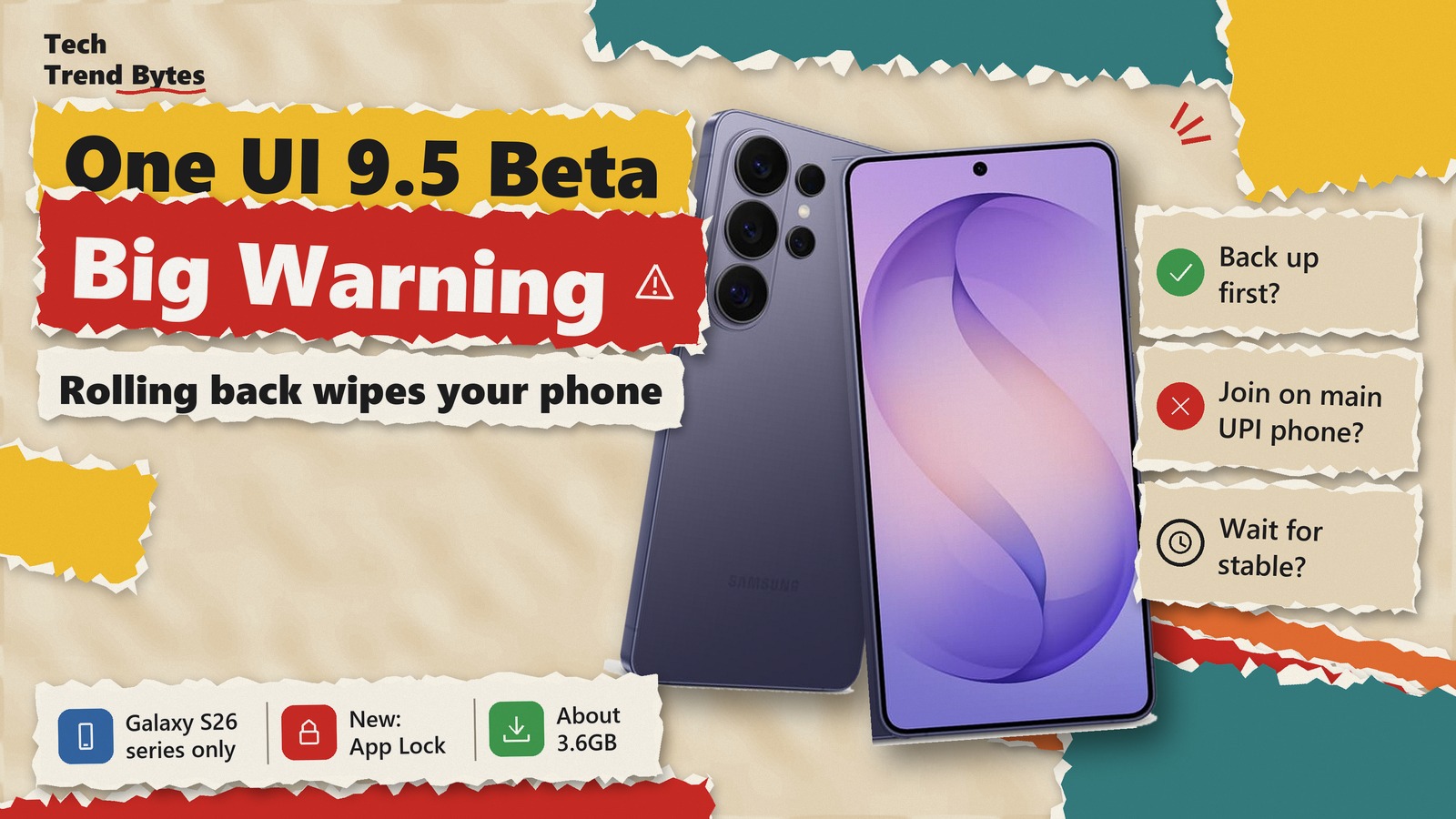
The One UI 9.5 beta is now open in India for the Galaxy S26, S26+ and S26 Ultra. Samsung opened the programme on 18 November, and India is in the very first group of countries this time.
That is new. In earlier betas, Indian users usually waited a week or more while Korea and the US went first. This time you can sign up on day one.
But a beta is test software on the phone you use every day. So is it worth joining, and what is the big catch? Here is what is new, how to join, and who should wait.
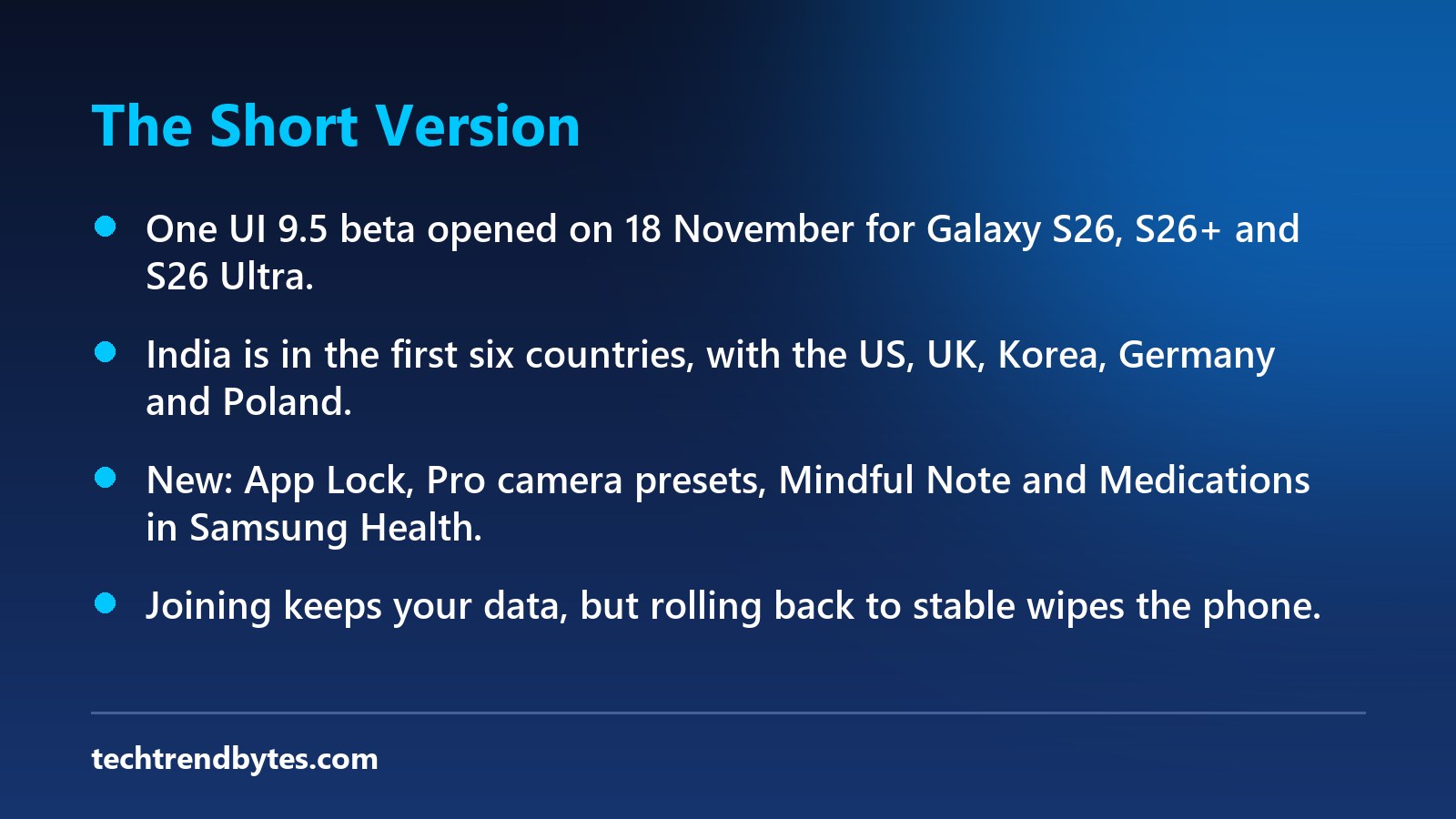
The Short Version
- Who can join: Galaxy S26, S26+ and S26 Ultra owners only, for now.
- Where: India, the US, the UK, South Korea, Germany and Poland, all at the same time.
- Size: About 3.5GB to 3.6GB for the first build, followed by a smaller update of about 540MB.
- Big new features: Native App Lock, better Pro camera controls, Mindful Note and Medications in Samsung Health, and a tilting lock screen wallpaper.
- The warning: Joining does not wipe your phone, but going back to stable software does. Back up first.
Which Phones Can Get the One UI 9.5 Beta in India?
Right now, only the Galaxy S26 series. That means the S26, the S26+ and the S26 Ultra.
SamMobile reports that Samsung may expand the programme to more devices later. However, it names no other models yet.
So if you own a Galaxy S25, a Z Fold 8 or an A-series phone, you cannot join today. Those phones are widely expected to get the final One UI 9.5 update later, but Samsung has not published an official list.
If you are still on One UI 9 and want to know where your phone stands, our One UI 9 India rollout guide covers the three Galaxy groups.
What Is New in the One UI 9.5 Beta?
This is a feature update, not just a bug fix. Beebom lists the main changes, and Android Authority confirms the key ones.
Feature | What it does |
|---|---|
App Lock | Lock any app with fingerprint, face or screen lock; hides its notifications and widgets |
Privacy Display | Turns on by itself when you type a PIN or password, on supported models |
Biometrics | Fingerprint works straight on the sensor without an extra prompt; face unlock improved |
Pro camera modes | Custom buttons, presets and finer shutter speed and frame rate controls |
Samsung Health | Mindful Note journaling, Medications reminders and sleep coaching |
Lock screen | Live depth wallpaper that moves as you tilt the phone |
Digital Wellbeing | Optional pause of up to 10 seconds before an app opens |
My Files | Preview Word and PowerPoint files without Microsoft Office |
App Lock is the headline for Indian users. Many people share phones with family, and until now you needed Secure Folder or a third-party app to lock WhatsApp or a banking app. Now it is built in.
Two features are removed, though. Beebom says Audio Broadcast and Enhanced Audio Services are gone in this build.
We already looked at one smaller part of this update, the new Samsung Keyboard tool, in our One UI 9.5 Rambler explainer.
How to Join the One UI 9.5 Beta in India
The process takes about five minutes, plus download time. Follow these steps:
- Back up your phone with Samsung Cloud or Smart Switch. Keep photos, chats and contacts safe first.
- Update the Samsung Members app from the Galaxy Store or Play Store.
- Open Samsung Members and look for the One UI 9.5 Beta banner on the home screen.
- Tap the banner and enrol. Slots are limited, so it may fill up.
- Open Settings, then Software update, then Download and install.
- Connect to Wi-Fi. The first package is about 3.5GB to 3.6GB.
- After the first install, check again. Early users report a second update of about 540MB.
Keep the battery above 50 percent while it installs. That is our own safety advice, not a Samsung rule, because a failed install halfway is the last thing you want.
What if the banner is not showing?
That usually means slots are full or the banner has not reached your account yet. Restart the Members app later in the day. Make sure your phone runs the latest stable update first, because beta builds expect it.
The Big Warning: Going Back Wipes Your Phone
This is the catch most people miss.
Installing the One UI 9.5 beta keeps your data. But if you hate it and want to return to stable One UI 9, the phone gets a full factory reset.
In past Samsung betas, rolling back meant leaving the beta in the Members app, connecting the phone to a computer and using the Downgrade option in Smart Switch. Samsung has not posted separate steps for One UI 9.5, so expect the same route.
Also, some users in Samsung’s community have reported trouble restoring a full Smart Switch backup after a downgrade. So back up your photos, contacts and messages separately as well.
That means the real cost of joining is not bugs. It is the time you lose if you need to go back.
Is the One UI 9.5 Beta Safe on Your Main Phone?
It is safe enough for most curious users, but it is not finished software.
Neither Samsung nor the main reports list specific bugs yet. However, Beebom warns that a first beta can have issues, and it advises against using it on your main phone unless you are comfortable with that.
From past betas, the usual problems are banking apps or UPI apps refusing to open, faster battery drain, and some apps crashing. If your Galaxy S26 is the only phone you use for Google Pay, PhonePe or office work, that risk is real.
If you do join and the battery gets worse, the basics from our One UI 9 battery drain fix apply here too.
Should You Join the One UI 9.5 Beta or Wait?
Here is our verdict by type of user.
- Join now if you have a second phone, enjoy testing features, and want App Lock and the new camera controls today.
- Wait if your S26 is your only phone for UPI payments, banking or work. A broken payment app costs more than a new wallpaper is worth.
- Wait if you do not have a computer handy. You need one for the Smart Switch rollback.
- Skip sideloading beta files from forums if you are not in the programme. It is the riskiest route, and stable software will come anyway.
When Will Stable One UI 9.5 Come Out?
Samsung has not given a date. Beebom expects One UI 9.5 to debut on the Galaxy S27 series in January or February 2027. Other eligible Galaxy phones should follow in the weeks after.
Beebom also expects at least two or three more beta builds before that. So anyone who waits will get a more polished version in roughly two to three months.
For the bigger picture on Samsung’s next phones, read our Galaxy S27 release date report.
What to Watch Next
This is a developing story. Watch for three things: more slots or more countries, the second beta build, and the first real bug reports from Indian users. We will update this post when Samsung adds devices or a new build lands.
Conclusion
The One UI 9.5 beta is open in India on day one, and it brings genuinely useful features like App Lock and better camera controls. The big warning is the rollback: going back to stable wipes your phone. Join if you can live with bugs and have a backup; otherwise, wait for the stable release early next year.
Are you joining the One UI 9.5 beta on your Galaxy S26, or waiting for the stable update? Tell us in the comments.
Read next

Xiaomi 17 Ultra After 8 Months: Is the Best Camera Phone Worth Buying Now?
Is the Xiaomi 17 Ultra still worth buying? A 200MP zoom and a 6,000mAh battery, plus the three catches, and who should buy, wait or skip.

Xiaomi 17T Price Is Now Rs 64,990: The Painful Truth About the Rs 5,000 Hike You Need to Know
The Xiaomi 17T price is Rs 64,990 on Amazon India, up from Rs 59,999 at launch. See what changed, and who should buy, wait or skip.

vivo V80 Price Hike: Why Rs 62,999 Is the Last Good Price You Need to Grab Now
The vivo V80 price hike reportedly adds Rs 5,000, taking it to Rs 67,999. Stores still show Rs 62,999. Here is who should buy now, wait or skip.