
How to Schedule WhatsApp Messages: The New Official Trick
You can now schedule WhatsApp messages with an official long-press trick in the Android beta. See the exact steps, limits and safe options.

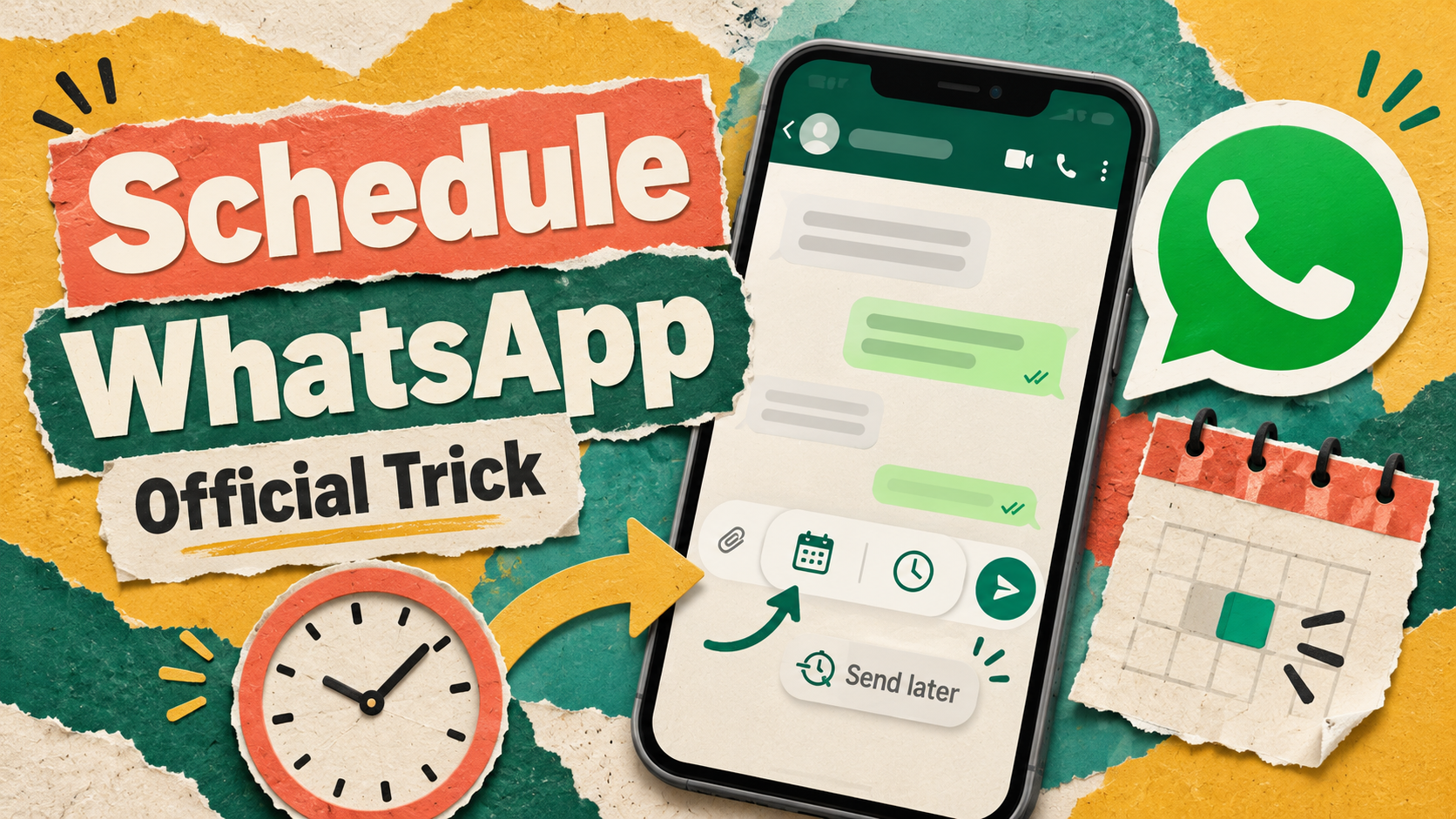
You can finally schedule WhatsApp messages inside the app itself. WhatsApp has started testing the feature on Android, and it works with a simple long press on the send button.
That matters in India, where WhatsApp runs birthdays, rent reminders, shop orders and family groups. Until now, sending a message later meant trusting a third-party app with your chats.
So here is how the new trick works, who gets it today, what its limits are, and what you can safely do if you do not have it yet.
The Short Version
- What is new: WhatsApp is rolling out scheduled messages to some Android beta testers, according to WABetaInfo.
- How it works: Type a message, then tap and hold the send button to pick a date and time.
- The limits: At least 10 minutes ahead, at most two weeks ahead, and only one photo or video per message.
- Who has it: A limited set of beta users on version 2.26.40.7. There is no public release date yet.
- If you do not have it: iPhone users can use Apple’s Shortcuts app. Android users should avoid modded apps and wait.
What exactly has WhatsApp started testing?
WABetaInfo reported on October 12, 2026 that the feature is live in WhatsApp beta for Android 2.26.40.7. GSMArena carried the same details the same day.
The feature lets you write a message now and have it delivered later. It works in one-on-one chats and in groups.
Three details stand out. First, the message goes out even if your phone is offline or the app is closed at that time. Second, scheduled messages stay end-to-end encrypted. Third, the other person cannot see that the message was scheduled.
However, this is still a test. WhatsApp has not announced it officially, and only some beta testers have it. WABetaInfo says access will expand to more accounts over the coming weeks.
How to schedule WhatsApp messages on Android (beta)
If the feature has reached your account, the steps are short. These are the steps as described in the beta report.
- Open the chat or group where you want to send the message.
- Type your message in the text box as usual.
- Tap and hold the send button. Do not just tap it.
- A sheet slides up from the bottom. Pick the date and time for delivery.
- Confirm. The message is now saved and will go out at that time.
How to schedule a photo or video
The process is almost the same for media.
- Open the chat and open the gallery picker.
- Select one photo or one video.
- Add a caption or edit the picture if you want.
- Tap and hold the send button, then choose the time.
You can only attach one photo or video to each scheduled message. So if you want to send five pictures later, you need five separate scheduled messages.
How to edit or cancel a scheduled message
Open the chat, tap the name at the top, and look for the scheduled messages section on the chat info screen. That section lists everything waiting to be sent. You can view or delete any message there before it goes out.
If you delete one, the recipient gets no notification. It simply never arrives.
What are the limits when you schedule WhatsApp messages?
The beta has clear rules. This table sums them up.
Rule | What the beta allows |
|---|---|
Earliest send time | 10 minutes from now |
Latest send time | Two weeks from now |
Content types | Text, links, photos, videos |
Media per message | One photo or one video |
Chats supported | Individual and group chats |
Phone offline at send time | Message still gets delivered |
Recipient sees “scheduled” label | No |
The two-week limit is the big one. That means you cannot set a birthday wish for next March. For example, you can line up Diwali greetings a few days early, but not next year’s anniversary message.
Groups have one more rule. A scheduled group message only reaches people who were members when you scheduled it. Because of that, anyone who joins the group later will not get it.
So when you schedule WhatsApp messages in the beta, plan around these rules. They could change before the public launch. Beta features often do.
Can you join the beta to schedule WhatsApp messages?
You can try, but there is a catch. WhatsApp’s Android beta runs through the Google Play Store, and the programme has limited seats.
- Open the Play Store on your Android phone and search for WhatsApp.
- Scroll down to the “Join the beta” or “Become a beta tester” panel.
- Tap join and confirm. You can also try Google’s official testing page for WhatsApp.
- Wait for enrolment, then update the app from the Play Store.
If the panel says the beta programme is full, you cannot join for now. That is common with WhatsApp. Even if you get in, the feature is reaching only some testers, so the long press may do nothing yet.
Please do not download a “WhatsApp beta APK” from a random website to skip the queue. A fake build can steal your account. Also, back up your chats first, because beta versions can be buggy.
How to schedule WhatsApp messages on iPhone today
The report does not mention iPhone for this rollout. WABetaInfo spotted the feature in iOS test builds earlier this year, so it is expected, but there is no date.
Until then, iPhone users can still schedule WhatsApp messages with a safe workaround built into iOS: the Shortcuts app. It uses Apple’s own automation, so no outside app touches your chats. Guides such as Guiding Tech’s walkthrough describe it this way.
- Open the Shortcuts app and go to the Automation tab.
- Create a new personal automation and choose Time of Day.
- Set the time and the date you want the message to go.
- Add an action and search for WhatsApp. Choose the send message action.
- Type the message and pick the contact.
- Turn off “Ask Before Running” if you want it to send without a tap.
Menu names differ slightly between iOS versions, so pick the closest match. Your iPhone also needs to be switched on with internet at that time.
One warning: the automation repeats. So delete it after the message goes out, or the same text will be sent again next month.
Why you should avoid third-party schedulers and modded apps
Search for ways to schedule WhatsApp messages and you will find plenty of Android apps that promise it. Most of them work by taking Accessibility permission, which lets an app read your screen and tap buttons for you.
That is a lot of power to hand over. Some of these apps also ask you to remove your screen lock so they can send automatically. That makes a lost phone far more dangerous.
Modded versions such as GB WhatsApp are worse. WhatsApp says these apps break its terms and has temporarily banned accounts that use them. Its advice is to switch back to the official app.
Privacy on Meta’s platforms is already a live worry, as we covered in our Meta Muse AI privacy warning. Adding an unknown app on top makes little sense when an official option is weeks away. The same caution applies to scam calls and fake links, which is why Google’s scam alert upgrade for Pixel phones got so much attention.
What you should do now
Your next step depends on your phone.
- Android, already in the beta: Update WhatsApp from the Play Store. Then long-press the send button in any chat to check if the feature is live for you.
- Android, not in the beta: Try joining through the Play Store. If it is full, wait. You cannot safely schedule WhatsApp messages yet, so set a phone reminder and send the message yourself.
- iPhone: Use the Shortcuts method above for one-off messages, and delete the automation afterwards.
- Small business owners: WhatsApp Business has an Away Message under Business Tools for automatic replies outside working hours. It is not true scheduling, but it covers the common case.
- Everyone: Stay away from modded apps and unknown APKs.
It also helps to keep your phone software current, since new WhatsApp features tend to arrive first on recent Android versions. Our guide to Android 17 features and eligible devices explains what is changing there.
The bottom line
The ability to schedule WhatsApp messages is no longer a rumour. It is real, it is official, and it is in the hands of some Android beta testers today.
The feature looks well thought out. It sends when your phone is offline, keeps encryption, and stays invisible to the receiver. The two-week cap and one-photo rule are the main gaps.
For most people, the honest advice is simple: do not risk your account on shady apps for a feature that is this close.
Which message would you schedule first: a midnight birthday wish, a rent reminder, or the daily “good morning” for the family group? Tell us in the comments.
Read next

Flipkart vs Amazon: The Better Phone Sale for Your Money?
Amazon's sale starts 8 Oct, Flipkart's 9 Oct. Compare the Big Billion Days vs Great Indian Festival bank offers and phone deals before you buy.

The Surprising Reasons Smartphone Prices Are Surging in 2026
Smartphone prices rising in 2026 is no accident. Memory chips now cost four times more, driven by AI. Here's what it means for buyers in India.

iPhone 18 Pro, Pro Max & Duo: What’s New?
Apple appears to be preparing one of its biggest iPhone launches yet, with the iPhone 18 Pro, iPhone 18 Pro Max and the new iPhone Duo…