
Android 17: What’s New, Features, Eligible Pixel Devices

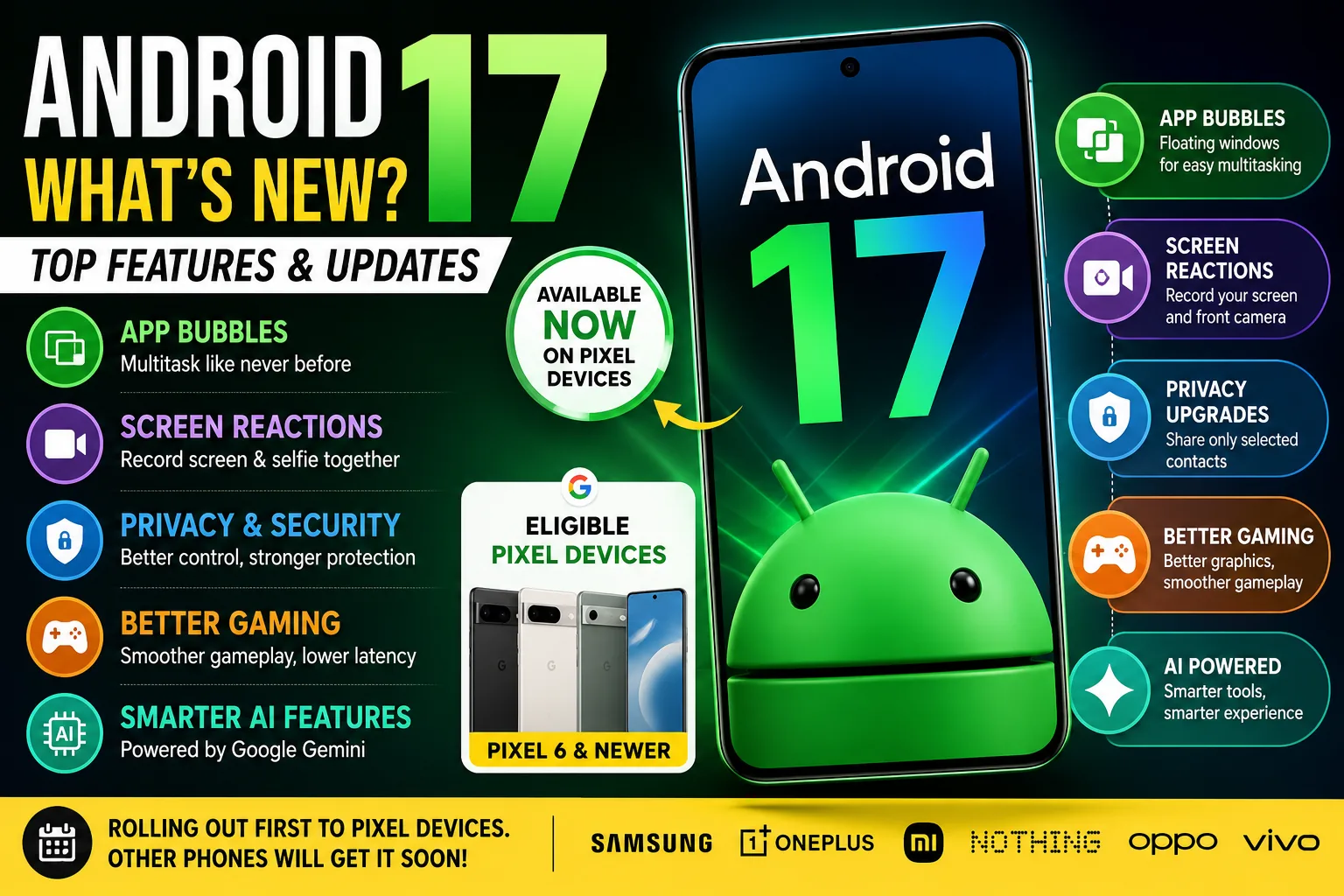
Google has officially released Android 17, bringing several new features that improve productivity, privacy, security, and multitasking. The latest Android version is currently rolling out only to eligible Google Pixel devices, while other smartphone brands will receive their updates later.
Although Android does not completely redesign the interface, it introduces practical upgrades that make everyday use smoother. New multitasking tools, AI-powered features, stronger privacy controls, and better support for foldable devices are among the biggest highlights.
In this article, we explore everything new in Android 17, the eligible Pixel devices, and when other Android smartphones can expect the update.
Android 17 Is Available Only for Pixel Devices
Google follows the same rollout strategy every year. The company releases the newest Android version first for its Pixel smartphones and tablets before making the source code available to other manufacturers.
If you own a supported Pixel device, you can download Android‘s latest version by going to:
Settings → System → Software Update
At the time of writing, It is available for selected Pixel devices, while companies like Samsung, OnePlus, Xiaomi, Nothing, OPPO, Vivo, and Honor are still preparing their own software updates based on Android 17.
Eligible Google Pixel Devices for Android 17
The stable Android 17 update is available for the following devices:
- Google Pixel 6
- Google Pixel 6 Pro
- Google Pixel 6a
- Google Pixel 7
- Google Pixel 7 Pro
- Google Pixel 7a
- Google Pixel Fold
- Google Pixel Tablet
- Google Pixel 8
- Google Pixel 8 Pro
- Google Pixel 8a
- Google Pixel 9 series
- Google Pixel 10 series
If your Pixel device is listed above, you can check for the update manually from the Settings app.
Android 17 Introduces App Bubbles for Better Multitasking
One of the biggest additions in Android 17 is App Bubbles.
Unlike traditional chat bubbles, App Bubbles allow supported apps to open inside floating windows. This makes switching between applications much easier without constantly leaving your current task.
For example, you can:
- Reply to messages while browsing the web.
- Watch a video while writing notes.
- Open a calculator over another app.
- Keep productivity apps ready in floating windows.
This feature is especially useful for users who multitask throughout the day.
Bubble Bar Improves Large-Screen Multitasking
Google has also introduced a new Bubble Bar for tablets and foldable devices.
Instead of reopening apps repeatedly, users can quickly switch between active floating apps from a dedicated bar. The feature makes multitasking feel more like using a desktop computer.
Android 17 Adds Screen Reactions
Content creators receive a useful new feature in Android 17 called Screen Reactions.
This feature records both the phone’s display and the front camera at the same time.
Users can now create:
- Gaming videos
- App tutorials
- Product demonstrations
- Educational videos
- Reaction recordings
Previously, many users depended on third-party apps for this functionality. Android 17 now brings the feature directly into the operating system.
Android 17 Improves Privacy and Security
Privacy remains one of Google’s biggest priorities, and introduces several improvements to protect user data.
The most notable addition is the new Contact Picker.
Instead of allowing apps to access your entire contacts list and lets you share only the contacts you choose.
This small change gives users much better control over their personal information.
Android also includes:
- Better permission management
- Improved protection against malicious apps
- Enhanced theft protection
- Safer handling of personal data
These improvements help make Android more secure without changing how people use their phones every day.
Android 17 Delivers Better Performance
Google has also focused on improving the overall performance of Android 17.
The latest software includes several under-the-hood optimizations that make devices feel faster and smoother.
Some of the improvements include:
- Faster app launch times
- Better memory management
- Improved background process handling
- Better battery efficiency
- Smoother system animations
These changes may not be immediately visible, but users should notice a more responsive experience during daily use.
Android 17 Makes Foldables and Tablets More Productive
Google continues to improve Android for larger screens.
Android introduces several features designed specifically for foldable phones and tablets.
Users can expect:
- Better split-screen support
- Improved app resizing
- Desktop-style multitasking
- Better window management
- Improved gaming experience on foldable devices
These upgrades make Android devices with larger displays much more practical for both work and entertainment.
Android 17 Offers a Cleaner Home Screen
It also introduces a small customization feature that many users have requested.
You can now hide app labels from the home screen.
Although this is a simple addition, it creates a cleaner and more modern look for users who prefer a minimalist interface.
Final Thoughts
Android may not introduce a major visual redesign, but it delivers several meaningful improvements that enhance the Android experience. Google has focused on the areas users care about most, including multitasking, privacy, performance, gaming, AI, and support for foldable devices.
Features like App Bubbles, Screen Reactions, Contact Picker, and better system optimization make Android 17 a practical update for everyday users. While Pixel owners can already explore these new features, users of Samsung, OnePlus, Xiaomi, Nothing, OPPO, Vivo, and other brands will have to wait for their manufacturers to release Android 17-based software.
Read next
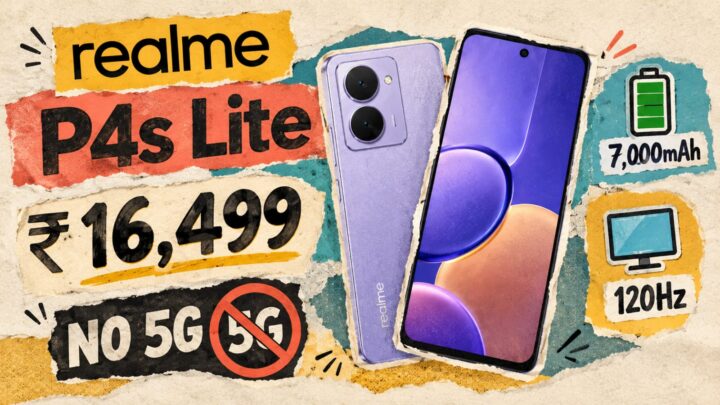
Realme P4s Lite Costs Rs 16,499 and Has No 5G: What You Need to Know Now
The Realme P4s Lite price in India starts at Rs 16,499 for a 4G phone with a 7,000mAh battery. Here is what you get, the catch, and who should buy.
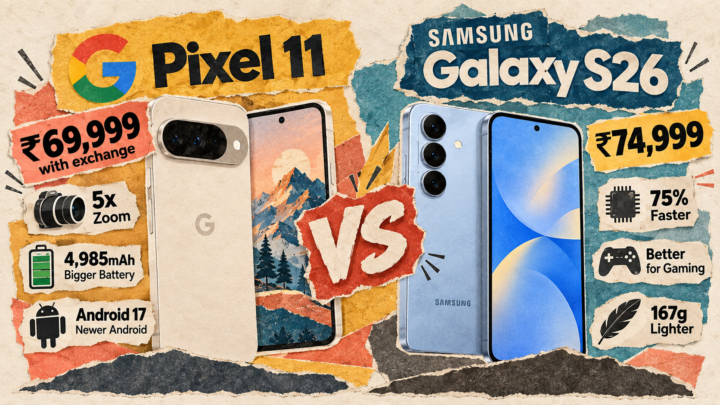
Is the Pixel 11 Really Better Than the Galaxy S26? The Truth You Need to Know
Pixel 11 vs Galaxy S26 at about Rs 75,000 in the sale. We compare price, speed, battery and cameras, then say who should buy, wait or skip.
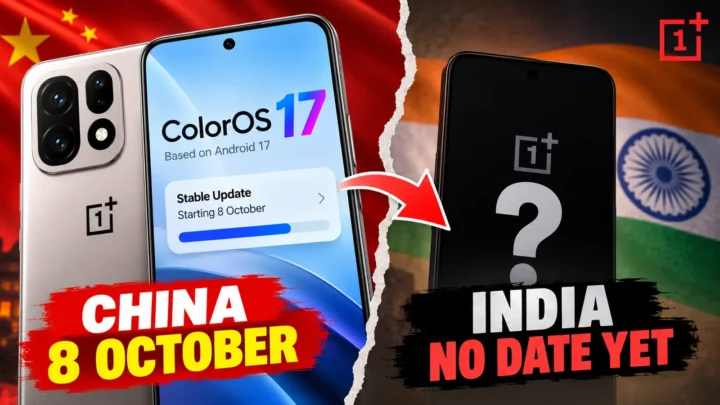
ColorOS 17 Update for OnePlus Has No India Date: What You Need to Know Now
The ColorOS 17 update reaches the OnePlus 15 in China on 8 October. India has only a closed beta and no date. Here is what OnePlus owners should do.