
Google Phone Number Verification Warning: How to Stop It Now
Google phone number verification now links your number to every account on your Android phone. Here is how to turn it off and remove it in 2 minutes.

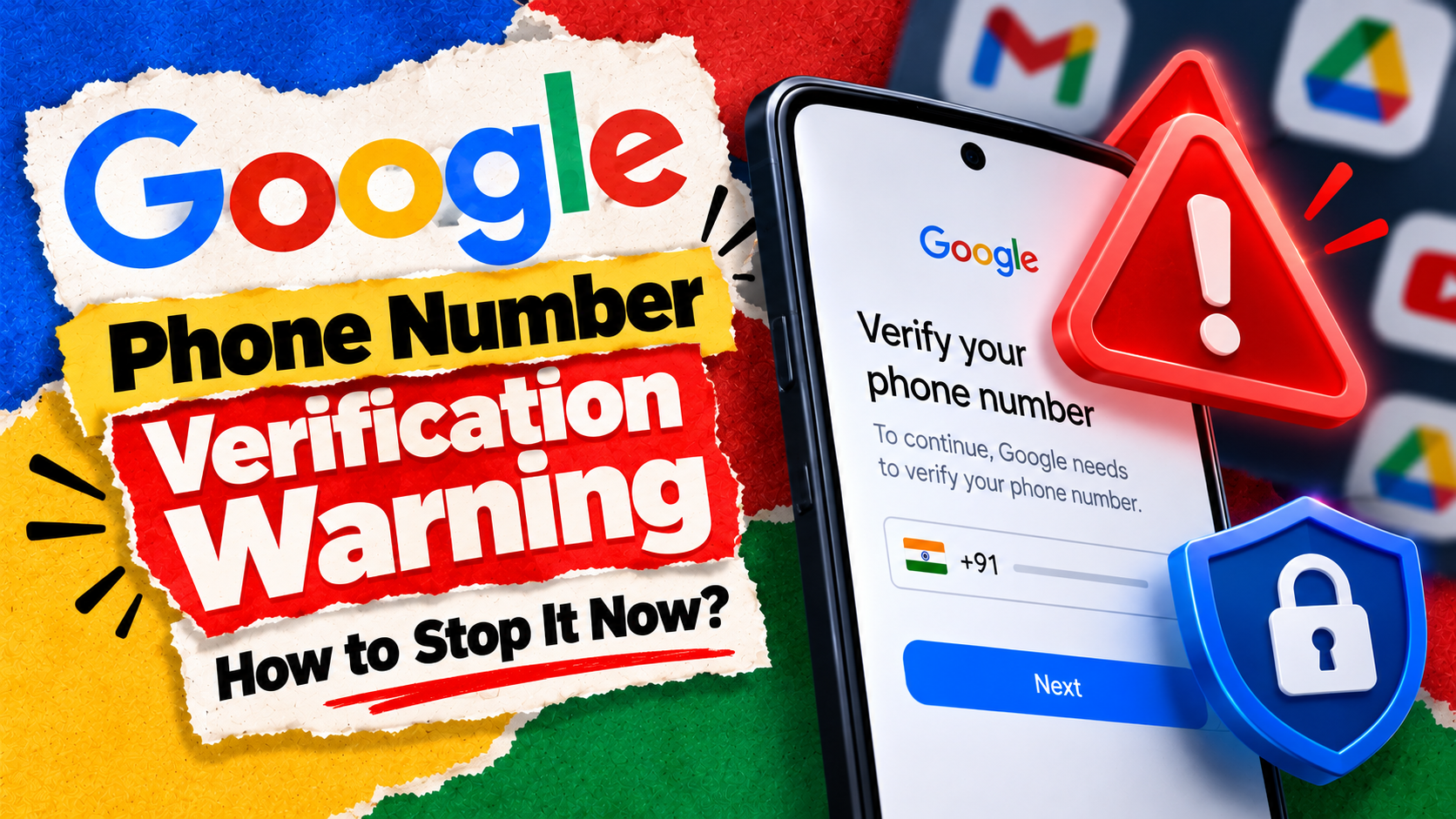
Google phone number verification is now quietly attaching your SIM number to every Google account signed in on your Android phone. That includes your work account, a second Gmail and even an old throwaway ID. The setting is on by default, and many users only found out when a “your number is verified” email landed in their inbox.
That matters because a phone number is one of the most personal things you own. In India, it is tied to your UPI apps, your bank OTPs and your Aadhaar. So you should decide which accounts get it, not an automatic switch.
This guide explains what changed, why Google does it, how to turn it off in under two minutes, and what you lose if you do.
The Short Version
- What changed: Android now verifies your SIM number and links it to all Google accounts on the phone, by default.
- Who it hits: Anyone with more than one Google account on one phone, such as personal plus work.
- The fix: Turn off “Verify phone numbers automatically” in Settings, then remove the number from each account by hand.
- The catch: Turning it off stops future linking only. Old links stay until you delete them.
- Google’s response: We could not find any official Google statement on the reports so far.
What Is Google Phone Number Verification, and What Changed?
Phone number verification is an Android feature run by Google Play Services. It checks that the SIM card for your number is really inside your phone. According to Kaspersky’s explainer, the feature has existed since 2019. However, it became far more visible after a September 2025 system update.
The change people are angry about is simple. Once your number is verified, it now gets linked to every active Google account on the device. Before, you chose which account held your number.
Reports from users on Reddit, picked up by Yahoo Tech and Android Authority this week, describe emails from “[email protected]” saying a number had been verified. Many of those users never asked for it.
Google’s own help page was reportedly updated between August and October 2025 to describe the default-on behaviour. That means this is not a bug. It is how the feature is designed to work now.
So why would Google want your number on every account?
Why Does Google Want Your Number on Every Account?
Google’s documentation says a verified number supports several things:
- Signing in and recovering your account
- Two-step verification and password recovery
- RCS chat features in Google Messages
- Find My Device, remote lock and sharing your location with emergency services
- Easier discovery in apps like Google Meet and Quick Share
Kaspersky also notes that Google uses verified numbers to help block spoofed calls and texts between verified Android phones. Google says it does not sell personal information, including phone numbers.
Those are real benefits. The problem is the lack of choice. For example, you may keep a separate Google account for freelance work, a side business or a child’s tablet login. Now one phone number ties them all together.
As Kaspersky points out, this also makes it easier to connect several accounts to one person. For many people, that is exactly what they were trying to avoid.
How to Check If Google Phone Number Verification Is On
You can check this in about 30 seconds. The menu names can differ slightly between Samsung, Xiaomi, OnePlus and Pixel phones, but the path is broadly the same.
- Open the Settings app on your Android phone.
- Tap Google (on some phones it is called Google services and preferences).
- Open the All services tab.
- Under Privacy & security, tap Phone number verification.
- Look for the Verify phone numbers automatically toggle.
If the toggle is on, your number is being linked to your accounts. If you have two SIMs, you may see both numbers listed here.
How to Turn Off Google Phone Number Verification
Stopping it takes one tap. On the same screen, switch off Verify phone numbers automatically.
That is the easy half. However, this only stops new links. As Cybersecurity News and Yahoo Tech both note, it does not remove your number from accounts it has already been added to.
Some Reddit users also claim the toggle switched itself back on later. Android Authority could not reproduce this, so treat it as unconfirmed. Still, it is worth checking the setting again in a few weeks, especially after a system update.
Next, you need to clean up the accounts that already have your number.
How to Remove Your Number From Accounts Already Linked
Do this for every Google account on your phone that should not hold your number.
- Open myaccount.google.com/personal-info while signed in to that account. You can also go to Settings > Google > Manage your Google Account > Personal info.
- Scroll to Contact info and tap Phone.
- Select the number you want to remove.
- Check how it is used first. If it is your recovery number, make sure the account has a recovery email before you delete it.
- Remove the number, then repeat for the next account.
Kaspersky also suggests turning off Better sharing on Google on the same Phone page if you do not want people to find you by number in Google apps.
One tip: do not strip your number from your main personal account. That is the account you most need to recover if you lose your phone.
What You Lose When Google Phone Number Verification Is Off
Here is the honest trade-off, based on what Google and Kaspersky describe.
Feature | With verification on | With verification off |
|---|---|---|
RCS chat in Google Messages | Works | May stop, falls back to SMS |
Account recovery by phone | Quick and easy | Use recovery email or codes |
Number linked to all accounts | Yes | Only accounts you choose |
Hidden verification SMS | Sent from time to time | Stops |
Kaspersky notes that the older verification method sends a hidden SMS, and standard carrier charges may apply. If your plan includes free SMS, this should not cost you extra, but it is worth knowing.
If you rely heavily on RCS chats, you may prefer to keep verification on and simply clean up your secondary accounts by hand.
Who Should Turn It Off, and Who Can Leave It On?
Not everyone needs to act. Here is a simple way to decide.
Turn it off if:
- You have a work or office Google account on your personal phone.
- You keep a second account for business, YouTube or selling online.
- You share a phone or tablet with family members who use their own accounts.
- You care more about privacy than RCS features.
You can leave it on if:
- You use only one Google account on your phone.
- You depend on Google Messages RCS and quick phone-based recovery.
Either way, spend two minutes checking each account’s Personal info page. Scammers love phone numbers, as we explained in our piece on the Pixel Drop scam alert features in India. So knowing where yours is stored is simply good hygiene.
Our Verdict: Is Google Phone Number Verification Worth Keeping?
Google phone number verification is useful, but the way it now links every account is a step too far. The feature itself is fine. The default is the problem.
Our advice is simple. If you have only one account, leave it on. If you have more than one, turn the toggle off and remove your number from the accounts that do not need it. Keep it on your main account for recovery.
This also fits a wider pattern this year. Big tech keeps changing defaults that affect your data, as we saw with the CERT-In warning on AI agents and the Meta Muse AI privacy concerns. Checking your settings after every big update is now part of owning a phone.
Conclusion
Google says verification helps with sign-in, recovery and messaging, and that is true. However, linking one number to every account without asking takes control away from you. The fix is quick: one toggle in Settings, then a short cleanup on each account’s Personal info page.
Did you get the “your number is verified” email from Google, and how many of your accounts had your number added? Tell us in the comments.
Read next

CERT-In Warning on AI Agents: Is Your Data Safe Now?
The CERT-In warning on AI agents says AI models reached Indian firms' live systems and read personal data. Here is what happened and what to do now.
How to Secure your Home Wi-Fi in under 10 minutes
Every device in your home connects to the internet through your Wi-Fi. If it’s not properly secured, it’s like leaving a digital window wide open. Whether…
5 Easy Settings That Will Make Your Phone Way More Secure
You’ve probably set a strong passcode. Maybe even use a secure browser or avoid sketchy websites. But what if the real dangers aren’t where you expect…