
Pixel Camera Not Working? Easy Fix Is Here, With Warning
Pixel camera not working after the November update? Pixel 10 and 11 users see a black screen. Here is the 5-minute fix that worked, and what failed.

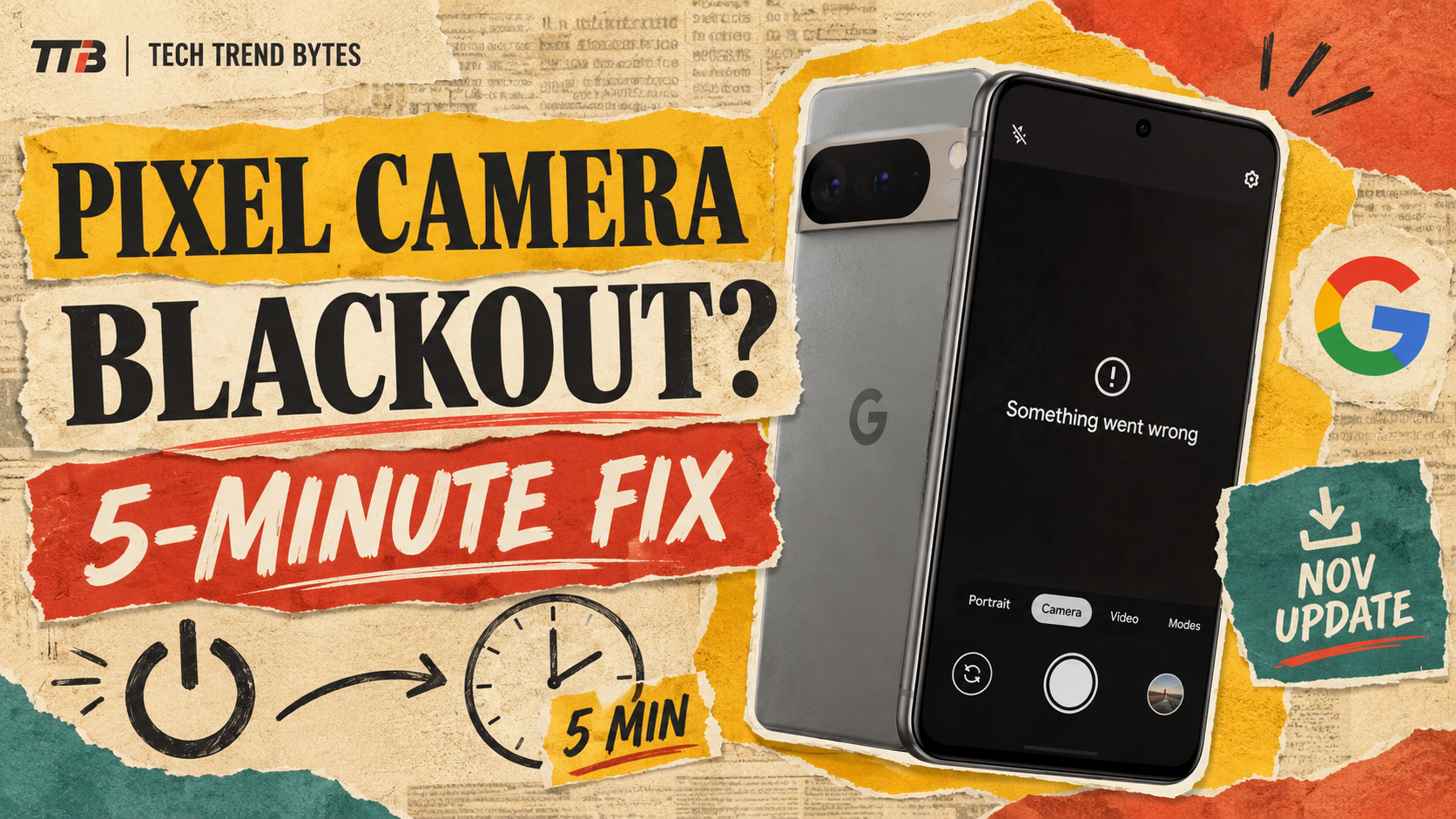
Is your Pixel camera not working since this week’s update? You are not alone. Some Pixel 10 and Pixel 11 owners now see a black preview or an error that says “Something went wrong.”
The good news is that a simple fix has worked for several users. The bad news is that Google has not yet explained the cause. Below, you get the exact steps, what to avoid, and what to do if it fails.
This matters in India because these phones are not cheap. The Pixel 11 launched here at Rs 89,999, so a dead camera is a big problem.
The Short Version
- What broke: The camera shows a black screen or the error “Something went wrong. Close and open the Camera app again.”
- Who is hit: Reports so far come from Pixel 10 and Pixel 11 owners, per Android Authority.
- The fix that worked: Fully power off, wait about five minutes, then switch on.
- What did not work: Factory reset, clearing cache, Safe Mode and removing app updates.
- Google’s response: No official statement yet.
Why Is My Pixel Camera Not Working After the Update?
Google released the November update on 10 November 2026. It is Android 17 QPR2, and it supports Pixel 6a and newer. The rollout is phased over about a week, according to Android Authority’s update report.
Soon after, users on Google’s support forum began posting about dead cameras. Both the front and rear cameras can fail. Third-party camera apps fail too.
That detail is important. It suggests the Pixel Camera app is not the real problem. Instead, something lower in the system may be failing to start the camera hardware.
However, this is only an inference. Google has not confirmed a cause. So treat it as a working theory, not a fact.
Which Pixel Phones Have the Camera Not Working Problem?
So far, reports point to the Pixel 10 and Pixel 11 series. Android Authority found no complaints from owners of older Pixels.
Here is how the two lines compare in India, using launch prices.
Phone | India launch price | Reported camera bug |
|---|---|---|
Pixel 10 | Rs 79,999 | Yes |
Pixel 11 | Rs 89,999 (12GB+256GB) | Yes |
Pixel 11 Pro | Rs 1,19,999 | Reports name the series |
Pixel 9 and older | Varies | None found yet |
Prices come from 91mobiles. Street prices change often during sales, so check Flipkart before you rely on them.
Not every owner is affected. So do not panic if your phone works.
How to Fix a Pixel Camera Not Working: The 5-Minute Power-Off
This is the fix that Google’s own Diamond and Gold product experts suggested on the support forum. It has worked for several users.
Follow these steps exactly:
- Press and hold the power button and tap Power off.
- Confirm the phone is fully off. A restart is not the same thing.
- Wait about five minutes.
- Switch the phone on again.
- Open the camera and test both the front and rear lens.
Why would waiting help? Google has not said. A likely guess is that a stuck hardware service needs to fully reset. But that is a guess, so do not expect it to work every time.
The fix costs nothing and risks nothing. So try it first.
What Fixes Do Not Work for a Pixel Camera Not Working?
Users report that several common tricks failed. That saves you time.
- A factory reset did not fix it.
- Clearing the camera app’s cache and data did not fix it.
- Uninstalling app updates did not fix it.
- Booting into Safe Mode did not fix it.
Above all, do not factory reset in a hurry. It wipes your data and, according to these reports, may not help at all. Back up your photos first if you ever decide to try it.
If the power-off trick fails, check Settings, then System, then Software update. Google may push a patch. Also see our guide to the Android 17 update for more on how rollouts work.
Is the November Update Still Worth Installing?
Yes, for most people. The update carries real fixes. Google lists better Bluetooth reliability, fingerprint unlock improvements and a fix for a keyboard that sometimes fails to appear. Droid Life counts 30 fixes in total.
Pixel 11 owners also get a fix for photos that sometimes fail to save, plus a battery drain fix tied to sensor services. That is ironic, because the same update seems to hurt cameras for a few users.
So the risk is small, but it is real. Here is a simple way to decide.
- If your phone already updated and works: Do nothing.
- If the update is waiting: Back up photos first, then install it.
- If you rely on your camera for work: Wait a few days for Google’s response.
Should You Buy, Wait or Skip a Pixel With a Camera Not Working Bug?
One bug should not decide a Rs 80,000 purchase. Still, it is a fair reminder to check recent software problems before buying. We covered a similar worry in our Pixel 11 verdict.
- Buying a Pixel 11: Buy if you want clean Android and strong cameras. Keep the receipt and know the return window.
- Considering a Pixel 10: The camera bug also reaches this phone. Wait a week for a patch if you can.
- Upgrading from a Pixel 9: You are not hit by this bug. Compare prices in our Pixel 11 vs Pixel 9 upgrade guide.
- Already own an affected phone: Try the power-off fix, then contact Google support.
What Should You Watch for Next?
Android Authority has asked Google for an explanation and says it will update its report. We will update this post too if Google responds or a patch arrives.
Watch for two things. First, a statement on the support forum. Second, a small mid-month patch. If you want to see how bad an update can get, read about the Android SMS of Death fix.
Conclusion
For now, the best answer to a Pixel camera not working is the slow, simple one. Power off fully, wait five minutes and switch on again. It is free, and it has helped real users.
Did the five-minute power-off fix your Pixel camera? Tell us your phone model and result in the comments.
Read next

Galaxy AI Subscription Price: The Painful Truth About Rs 440 a Month You Need to Know Now
The Galaxy AI subscription price is leaked at about Rs 440 a month. Here is what stays free, what you would pay for, and who should skip it.

Mivi One 5G Price Is Now Rs 14,999: The Painful Money Mistake to Avoid Before You Buy
Mivi One 5G price is Rs 14,999 for the 4GB model, up from Rs 12,999 at launch. See which version to buy, which to skip and what to compare it with.

Oppo A7 Ultra Leak: Is the Best New Battery Coming to India?
The Oppo A7 Ultra leak points to a 12,000mAh battery and a December launch. See what India got last time, likely prices and whether to wait.