
Is the OnePlus 12 ColorOS 17 Update Safe Now?
The OnePlus 12 ColorOS 17 update is rolling out in India as a 3.3GB download. See if it is safe to install, how to get it and who should wait.

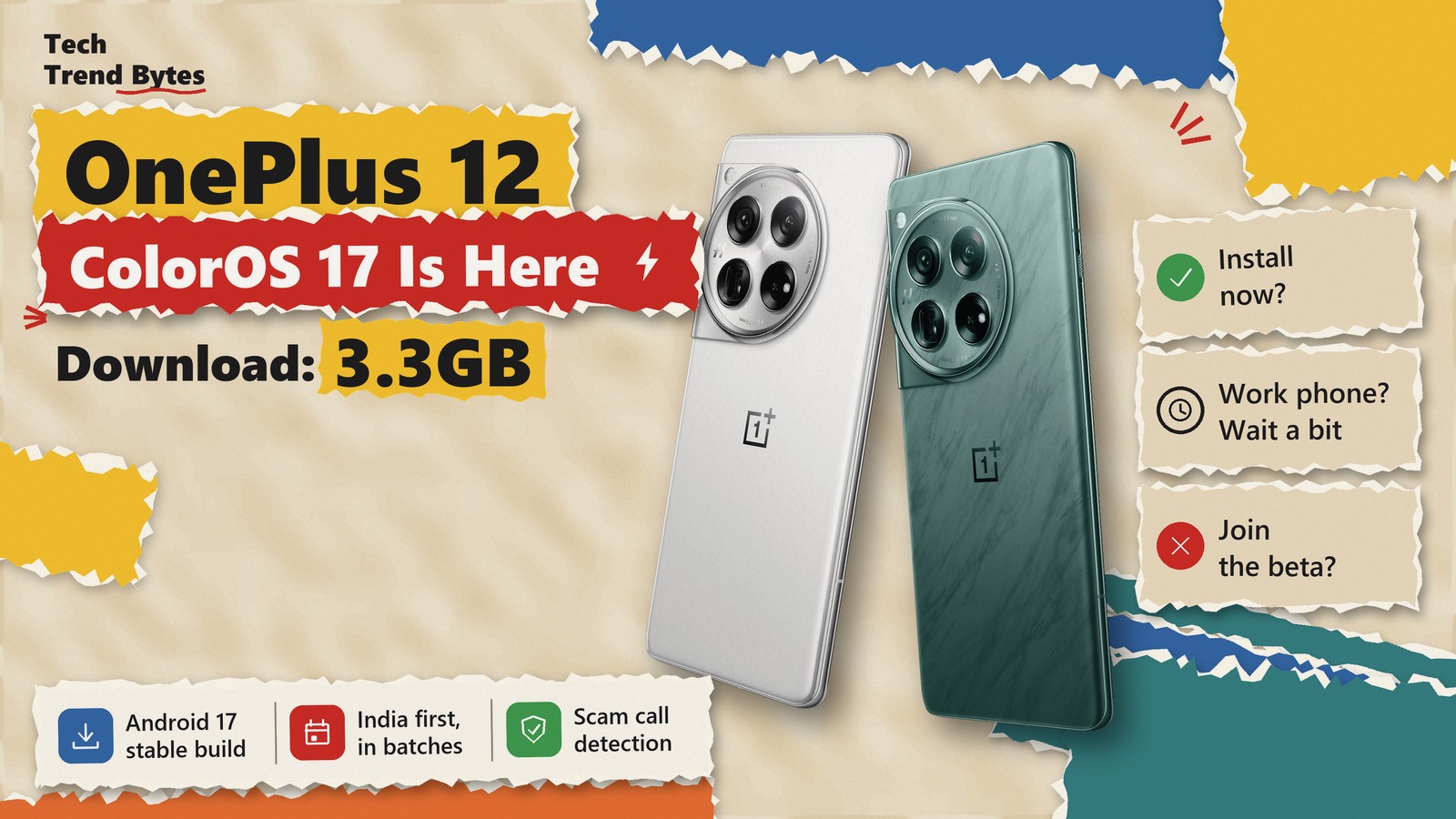
The OnePlus 12 ColorOS 17 update is now reaching phones in India. It is a stable build based on Android 17, and it started landing around 11 November, almost a week before the planned 17 November date.
That matters because this is not a small patch. It replaces OxygenOS 16 on your phone with ColorOS 17, and the download is about 3.3GB.
So is it safe to install today, or should you wait a week? Here is what is confirmed, what users are reporting, and exactly how to get it.
The Short Version
- What is rolling out: Stable ColorOS 17 on Android 17, build CPH2573_17.0.0.100(EX01), about 3.3GB.
- Where: India first, in batches. OnePlus has not shared dates for other regions.
- When: It began around 11 November. The official schedule said 17 November, so more phones should see it this week.
- Is it safe: No widespread bug is confirmed. A few users report faster battery drain right after updating.
- Our verdict: Most owners can install it now. If the phone is your only work device, wait a few more days.
What Is in the OnePlus 12 ColorOS 17 Update?
This is the big yearly upgrade. Your phone moves from OxygenOS 16 on Android 16 to ColorOS 17 on Android 17.
Android Authority reports the build number as CPH2573_17.0.0.100(EX01) and the size as 3.3GB. It also says the release is limited to India for now and is going out in batches.
That means two things. First, you may not see it today even if your friend has it. Second, this is the final stable version, not a beta.
It also confirms a change we covered earlier: OnePlus is ending OxygenOS with Android 17. The OnePlus 12 is one of the oldest phones to make that jump so far.
What Is New After You Install It?
The look changes first. Quick Settings, the notification drawer and the clock all get a new design. Then come the performance and safety features.
Area | What changes on the OnePlus 12 |
|---|---|
Design | New fluid animations and lighting effects, translucent notifications, redesigned Quick Settings |
Clock | One clock style that flows from Always-On Display to lock screen to home screen |
Performance | Upgraded Laminar Flow Engine, meant to reduce lag and stop closing background apps needlessly |
Scam safety | AI detection of fake voices in scam calls and face swaps in video calls |
Mind Space | AI summaries of PDF, Word and text files, plus a Travel collection that maps your trips |
Live Alerts | Flight, train and ride updates, including Uber and Ola ride status |
Audio | Two apps can play sound at the same time, switched on from Settings |
Translate | A redesigned Translate app with real-time voice and text translation |
The scam call detection is the most useful part for Indian users. Fraud calls with cloned voices are a real problem here, so a built-in warning helps.
However, not everything may work on day one. One user citing the changelog says some features will arrive in later updates. So do not panic if a feature from this table is missing at first.
How to Get the OnePlus 12 ColorOS 17 Update Now
The OnePlus 12 ColorOS 17 build comes over the air. You do not need a computer. Follow these steps:
- Back up your photos, chats and files first. A major upgrade is the right time to do it.
- Connect to stable Wi-Fi. The file is about 3.3GB, so mobile data is a poor choice.
- Charge the phone above 30 percent. PCQuest’s guide lists this as a basic precaution.
- Open Settings, then System & Updates, then Software update.
- If you see ColorOS 17, tap the update card and download it.
- Let the phone restart on its own. Do not switch it off midway.
Keep at least 8GB to 10GB of free storage before you start. That is our own safety margin, not an official number, because a 3.3GB package needs extra room to unpack.
What if the update is not showing?
That is normal in a batch rollout. Because the official date was 17 November, the wider push should follow this week. Check once a day.
Beebom notes that eligible users can also look at the Release Candidate or Open Beta programme in the same menu. We suggest most people skip that route. The stable build will reach you anyway, and waiting costs nothing.
Is the OnePlus 12 ColorOS 17 Update Safe to Install?
Mostly yes, based on what we can see today.
None of the major reports we checked lists a known bug in the OnePlus 12 ColorOS 17 build. In the official OnePlus Community thread, replies are mixed in a familiar way. One user says the battery drains very fast after updating. Others say they have no issues at all.
That is not proof of a widespread fault. A phone works hard for a day or two after a big upgrade, because it re-optimises apps in the background. So some extra drain and warmth early on is expected.
There is one real risk to weigh, though. Treat this as a one-way move. We found no official option to go back to OxygenOS 16 from this build. If you dislike the new look, you will have to live with it.
If your battery still drains fast after three days, do these things:
- Restart the phone once.
- Open Settings, then Battery, and check which app is using the most power.
- Update all apps from the Play Store, because old app versions often misbehave on a new Android version.
- Report the bug through the OnePlus Community app, or dial *#800# to send feedback.
We wrote a similar checklist for Samsung owners in our One UI 9 battery drain fix guide. The same basics apply here.
Should You Install OnePlus 12 ColorOS 17 Now or Wait?
Here is our OnePlus 12 ColorOS 17 verdict by type of user.
- Install now if the OnePlus 12 is your personal phone and you have a backup. The build is stable, and the scam call detection alone is worth having.
- Wait three to five days if you rely on the phone for work, banking apps or payments all day. Let the wider 17 November wave settle, then update over a weekend.
- Skip the beta route in every case. There is no reason to join a test channel when the stable build is already rolling out.
- Do not force it with files from unknown websites. Unofficial firmware can break your phone, and it is not worth the risk for a few days’ head start.
Either way, do not ignore the update for months. It carries Android 17 and its security work, and that is the bigger reason to install it.
How Long Will the OnePlus 12 Get Updates?
This is not the last big update. OnePlus promised four major Android updates and five years of security patches for this phone.
It launched with Android 14, so Android 17 is its third major upgrade. By that count, one more should follow, which would be Android 18. BGR also reports that support should run until early 2029.
That means a OnePlus 12 bought in 2024 still has good software life left. If you are thinking of upgrading anyway, compare it with what is coming in our OnePlus 16R price in India report before you spend.
Which OnePlus Phones Are Next?
The November schedule reported by several outlets looks like this.
Phone | ColorOS 17 date in India |
|---|---|
OnePlus 13R | 5 November |
OnePlus 12 | 17 November (started early, around 11 November) |
OnePlus Pad 3 | 18 November |
OnePlus Open | 24 November |
OnePlus Nord 6 and Nord CE 6 | 26 November |
The OnePlus 15, 15R, 13 and 13s got the update in October. The November dates we have seen do not name the OnePlus 12R, so owners of that phone should wait for the next list.
For other brands, see our Android 17 update tracker for four brands.
What to Watch Next
This story is still developing. Watch for three things this week: the wider rollout from 17 November, any official word on other regions, and whether more battery complaints appear in the Community thread.
We will update this post if OnePlus confirms a bug or pushes a follow-up fix.
Conclusion
The OnePlus 12 ColorOS 17 update is real, stable and already on some phones in India. It is a 3.3GB download that brings Android 17, a new design and useful scam protection. Back up, use Wi-Fi and install it when it shows up, unless your phone is a critical work tool. In that case, a few days of patience is the smart move.
Have you received ColorOS 17 on your OnePlus 12 yet, and how is the battery holding up after the update? Tell us in the comments.
Read next

Redmi Note 17 Pro Price Hike of Rs 4,000: How to Avoid a Painful Money Mistake Right Now
The Redmi Note 17 Pro price hike lifts it to Rs 40,999 on Xiaomi's site. One store still lists Rs 36,288. Here is who should buy today, and who should skip.

Motorola Signature 27 vs Pixel 10: The Painful Truth About GrapheneOS in 2027 You Need to Know Now
Motorola Signature 27 GrapheneOS support is promised, not live. Why the 7,000mAh flagship is a wait until 2027, and which Pixel to buy today instead.
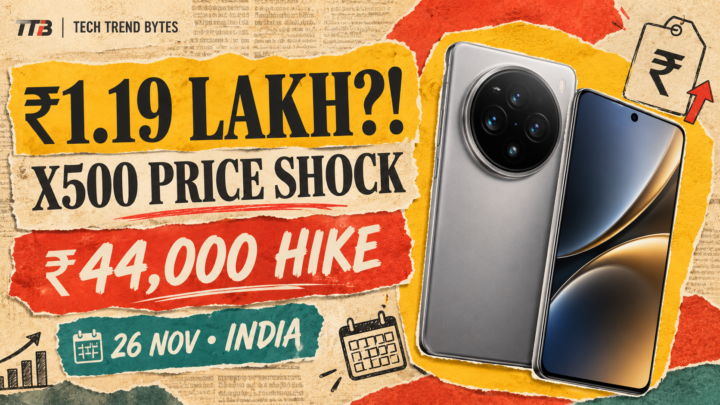
vivo X500 Price Leak: What Is the New Price Warning?
The vivo X500 price leak says Rs 1,19,999 for the base phone, up Rs 44,000 on the X300. See every leaked price, specs and whether to wait for 26 November.